
Acumens Sales Rebates & Claims (NA)
It automates the setup of agreements, tracks sales targets, and posts credits directly into your sales and financial workflows.
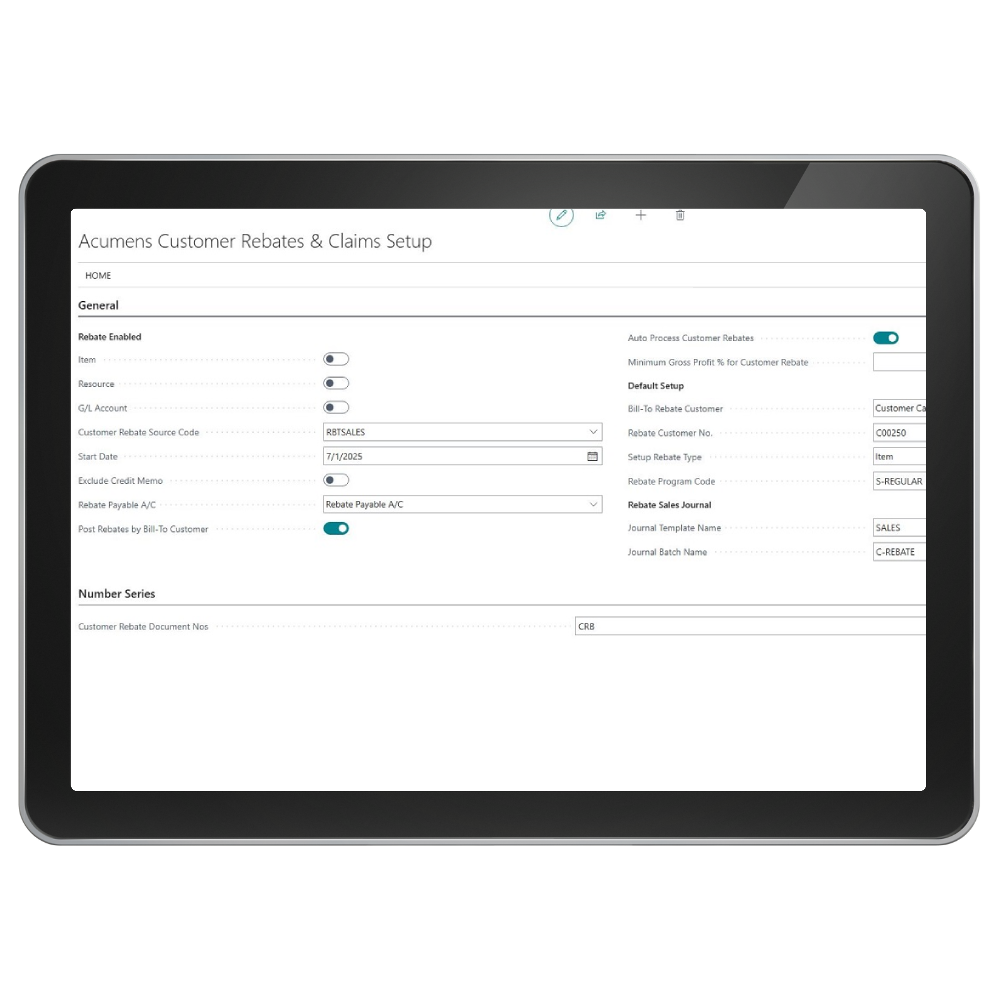

The Acumens Customer Claims & Rebates app for Microsoft Business Central and Dynamics NAV makes customer rebate programs and commissions easier to manage. It automates the setup of agreements, tracks sales targets, and posts credits directly into your sales and financial workflows.

Agreement Management
Users can create and manage detailed customer rebate agreements with validity dates, currencies and qualifying criteria.

Flexible Rebate Setup
Users can set up customer rebates flexibly by item or item category, by customer or customer category and even by resource or G/L account.

Commission Management
The app supports and simplifies the management of multiple commission plans, including broker and employee commissions.
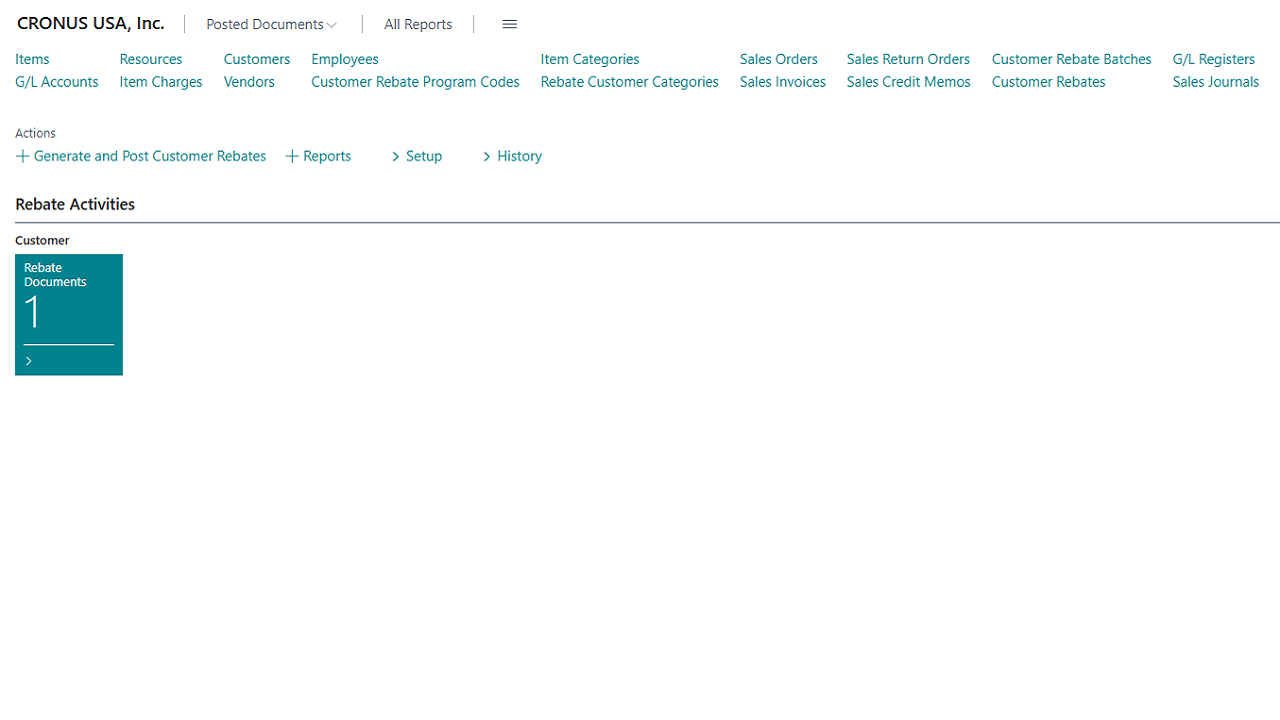
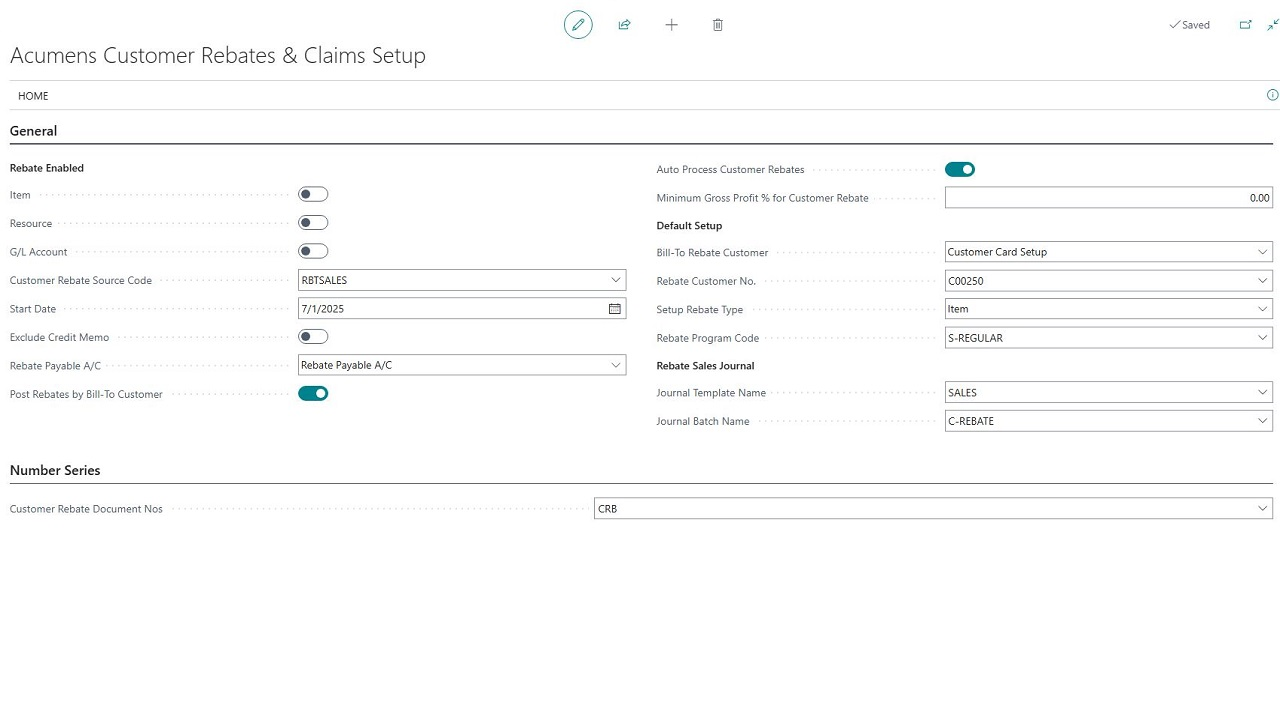
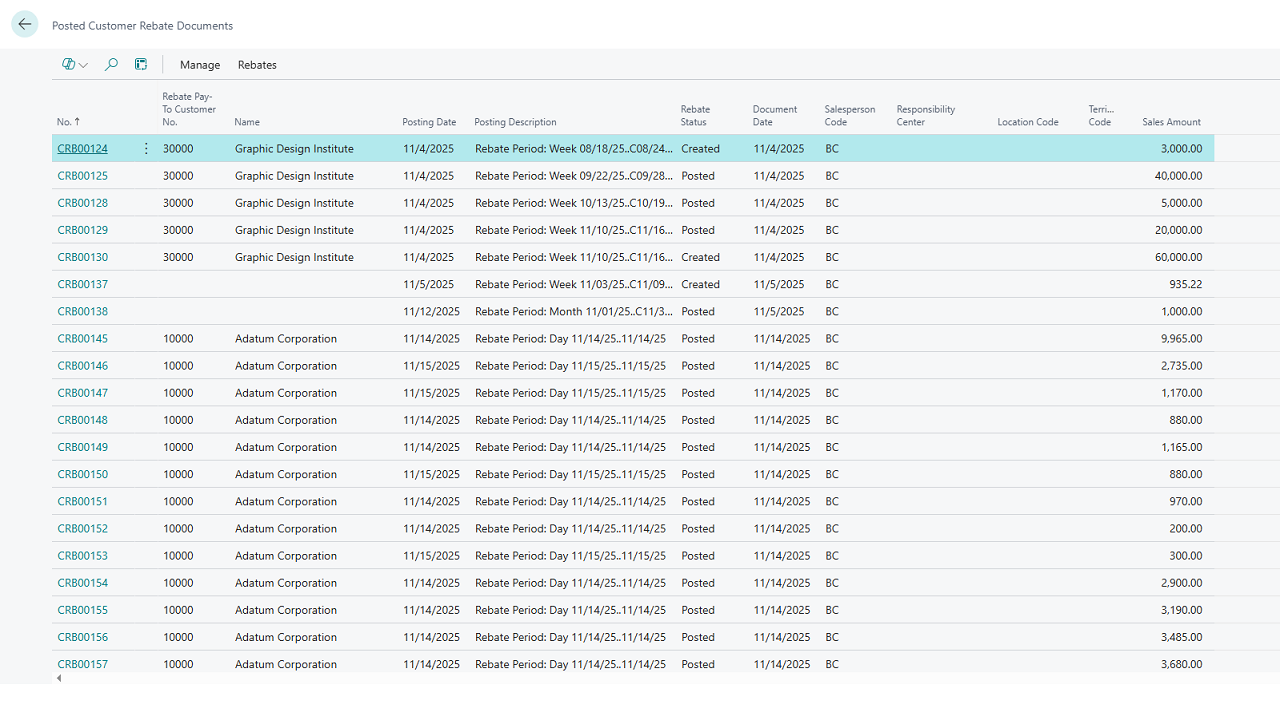
Acumens Sales Rebates & Claims (NA)
Features
Agreement Management: Users can create and manage detailed customer rebate agreements with validity dates, currencies and qualifying criteria. Agreements can be tied to specific customers, items or promotions.
Multiple Rebate Programs: Users can define multiple rebate programs such as volume/value-based rebates, tiered volume rebate and growth rebates and run them in parallel based on different qualifying criteria.
Flexible Rebate Setup: Users can set up customer rebates flexibly by item or item category, by customer or customer category and even by resource or G/L account. Categories can be structured around different business drivers such as sale volume, product type, strategic importance or region/market.
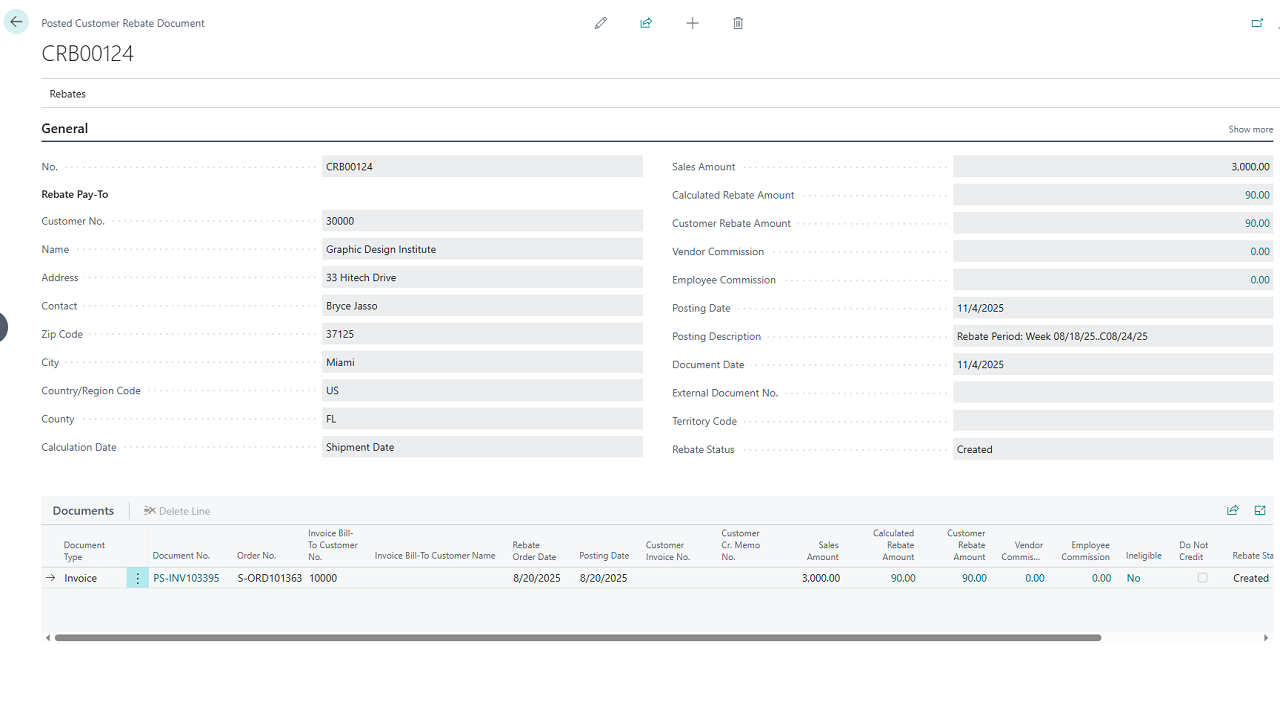
Customer Rebate Preview: Users can review the calculated rebate amount before the sales document is posted as an invoice or credit memo, ensuring accuracy and visibility of the potential financial impact of the rebate on the order.
Automated Rebate Processing and Accrual:
Customer Rebates are processed automatically and accrued when the item is physically Shipped (via Shipment) or returned (via Return Receipt).
Customer Rebate accruals are reversed or adjusted automatically when the item is physically returned (via a Return Receipt posting).
The app automatically tracks sales transactions against the targets defined in your agreements. This enables users to know exactly when rebate thresholds are met.
Customer credit memos are created automatically, reducing manual effort and minimizing errors. Rebate accruals, claims, and reporting are fully automated for compliance and accuracy.
The option to manually generate and post customer rebates is also available through a setup.
Flexible Calculation Options: Rebates can be calculated using various calculation methods and parameters which can be configured per unit, as a percentage or based on a tiered structure.
Commission Management: The app supports and simplifies the management of multiple commission plans, including broker and employee commissions. It helps manage payments to brokers or agents who bring in deals, as well as commissions earned by your sales staff.
Real-Time Financial Viability: Rebate liabilities are reflected in real time in the General Ledger, improving financial visibility and forecasting.
Rebate Processing Type: Rebate can be accrued as expense. Selection is at Rebate Program Level
Customer Rebate Calculation Methods: Our solution provides two distinct calculation engines to support diverse sales rebate strategies.
Drop Shipment Information: Rebate management for drop shipments automates the calculation and collection of credits from suppliers for goods shipped and payments of rebates to end customers.
Integration: The add-ons are built into the Business Central environment, leveraging existing data and workflows within the ERP system.
Get started with Acumens Sales Rebates & Claims (NA)