
If you've been running Microsoft Dynamics 365 Business Central for a few years, you've likely noticed something: the system gets slower over time. Inventory transactions accumulate, Item Ledger Entries pile up, and before long your database is carrying years' worth of historical records that weigh down everyday performance and increase costs related to database size. Acumens Item Ledger Compression is built to solve exactly this problem — without sacrificing data integrity.
Every inventory movement in Business Central — a purchase, a sale, a transfer, an adjustment — creates an Item Ledger Entry. Over time, these entries number in millieons. Most of them represent transactions from years ago that no one needs to look up individually anymore.
Acumens Item Ledger Compression consolidates those old entries into a smaller set of grouped records, reducing the total number of rows in your database while preserving the quantities and values that matter. The result is a leaner database, faster queries, and a system that performs the way it did when it was new.
This feature was available in earlier versions of Microsoft Dynamics NAV but was abandoned due to several concerns such as leading to incorrect historical data. Acumens Item Ledger Compression addresses these concerns by performing the compression while maintaining data integrity.
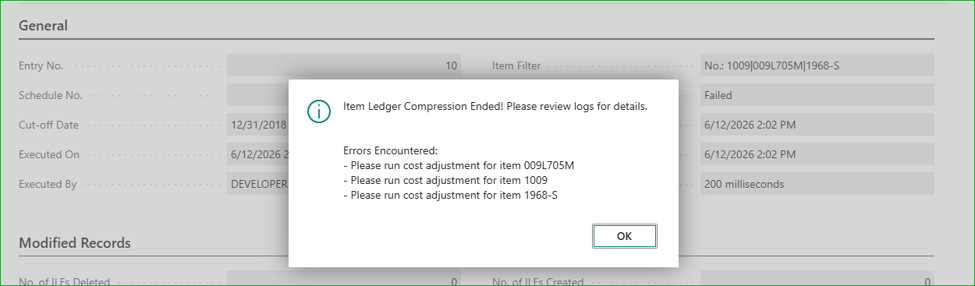
Before running compression, make sure Adjust Cost and Post Inventory Cost to G/L have been executed. This ensures all costs are properly settled before entries are consolidated, keeping your financials accurate throughout the process.
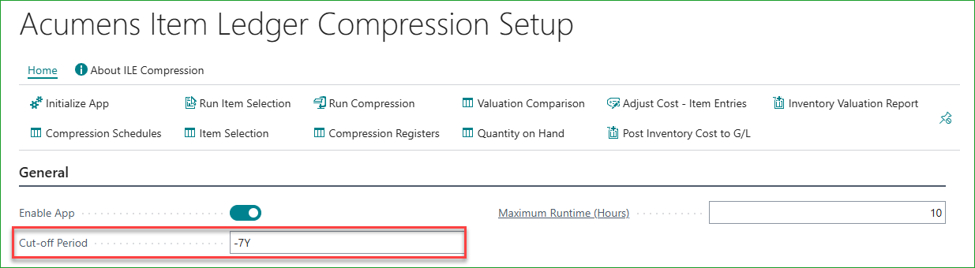
Not all entries are eligible for compression. By default, the app only compresses entries older than seven years, keeping recent transactional history fully intact. This cut-off period is configurable in the setup, giving you control over how far back the compression reaches.
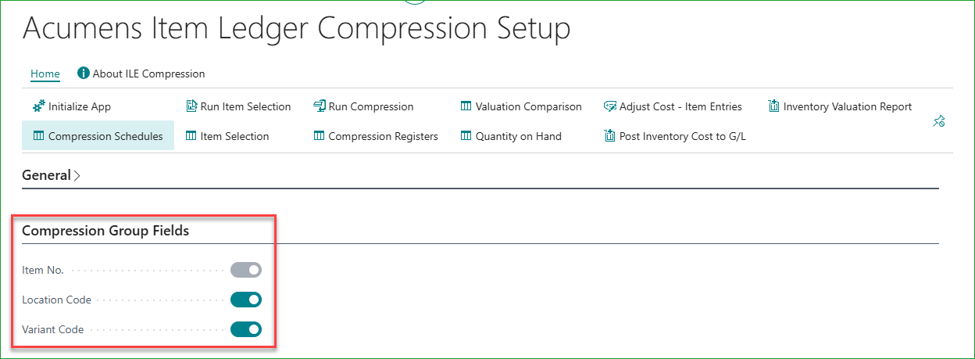
You decide how entries are grouped when they are compressed. The setup lets you enable specific grouping fields so that compressed records are consolidated in a way that makes sense for your reporting and audit needs.
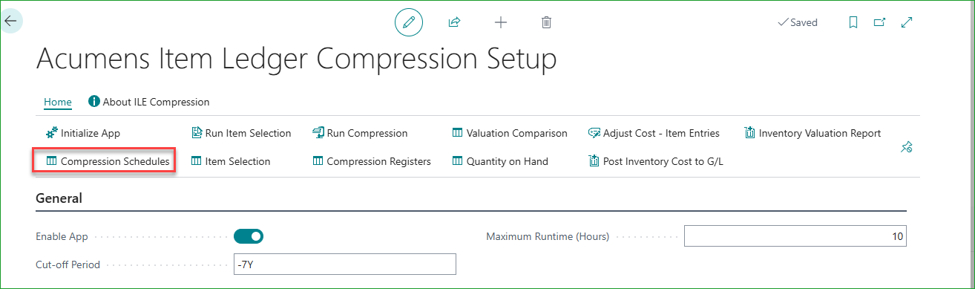
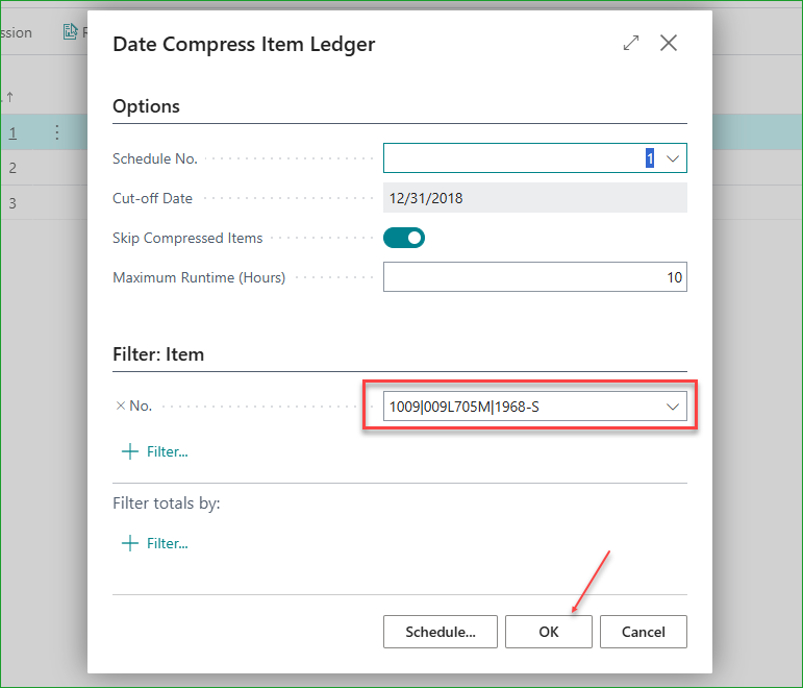
Each compression run is tracked against a schedule. Items already compressed under a given schedule are automatically skipped in subsequent runs, preventing duplicate processing and keeping your compression history clean and consistent.
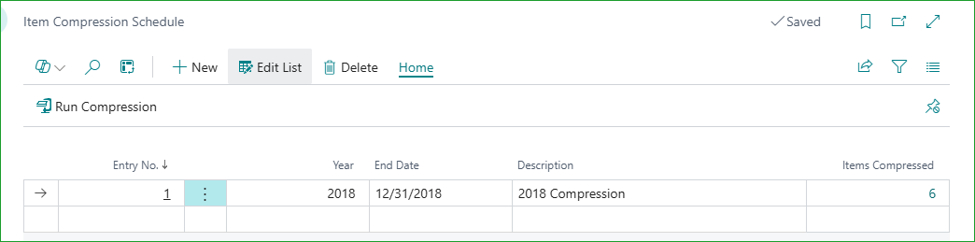
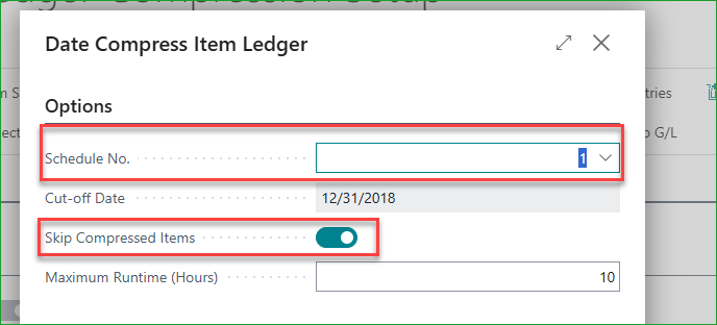
When compressing, you select the schedule and check to skip compresses items.
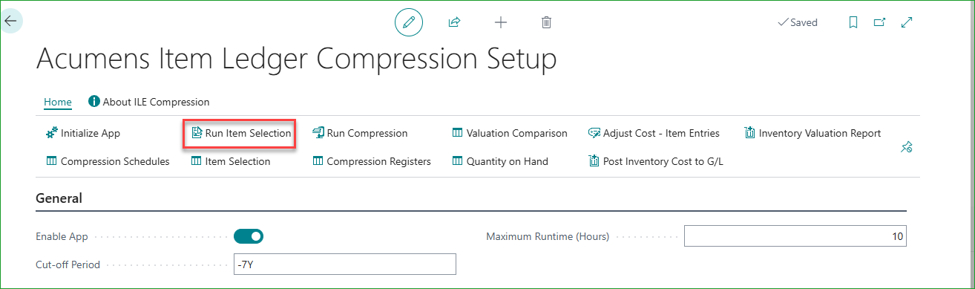
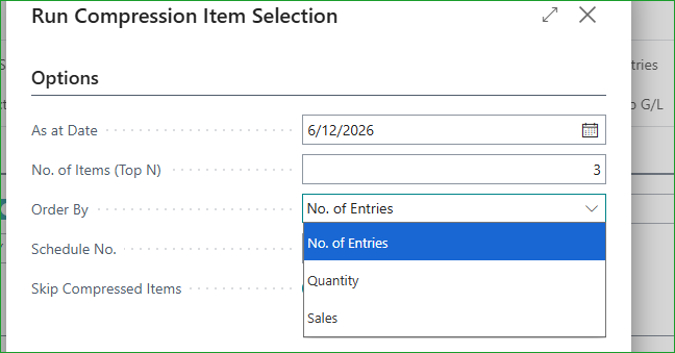
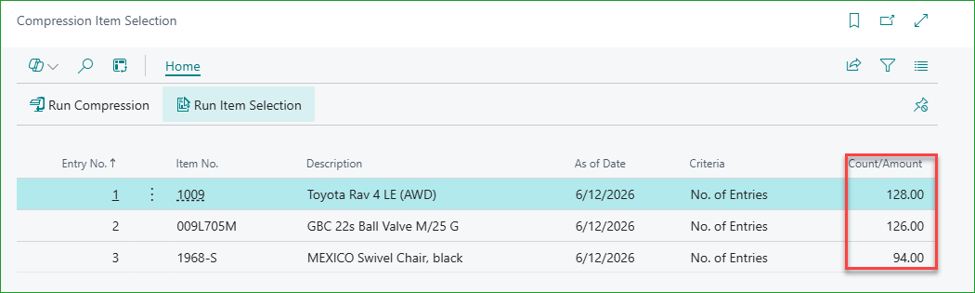
Not sure where to start? The Item Selection report automatically identifies the items most eligible for compression — ranked by number of ledger entries, remaining quantity, or total sales. You set how many items to process, run the report, and let it surface the best candidates. This means your first compression run targets the highest-impact items straight away.
Select as at date, number of items to run (top N), and the criteria (order by).
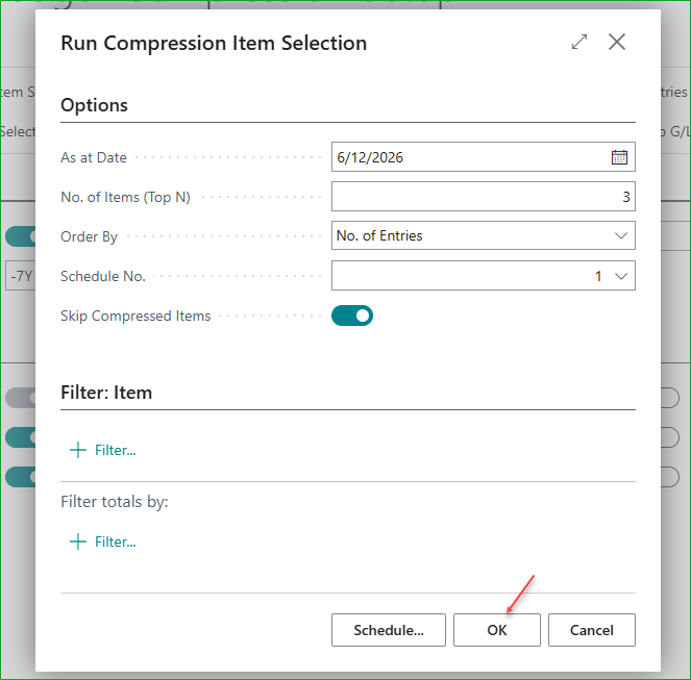
Other selection criteria.
The selected top N items in ascending order.
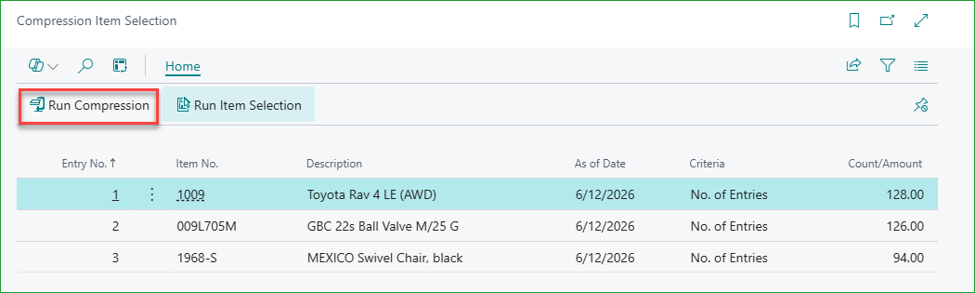
You can run compression for all the selected items.
Ensure schedule is selected. Items are filtered to the selected list. Click OK to proceed with compression.
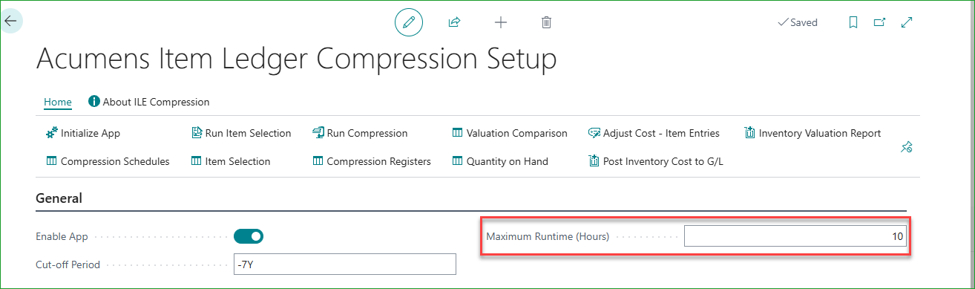
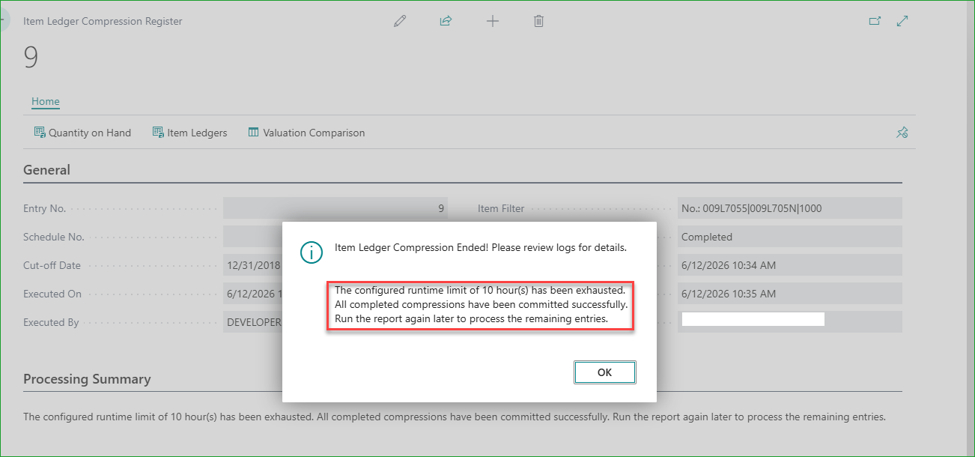
To ensure compression never disrupts the working day, you can set a maximum run time — ten hours by default. If the process hits that limit, everything processed so far is committed and the run stops gracefully. You can pick up exactly where you left off the next time you run it. The same safe-stop behavior applies if an error occurs in mid-run, so no partial work is ever lost.
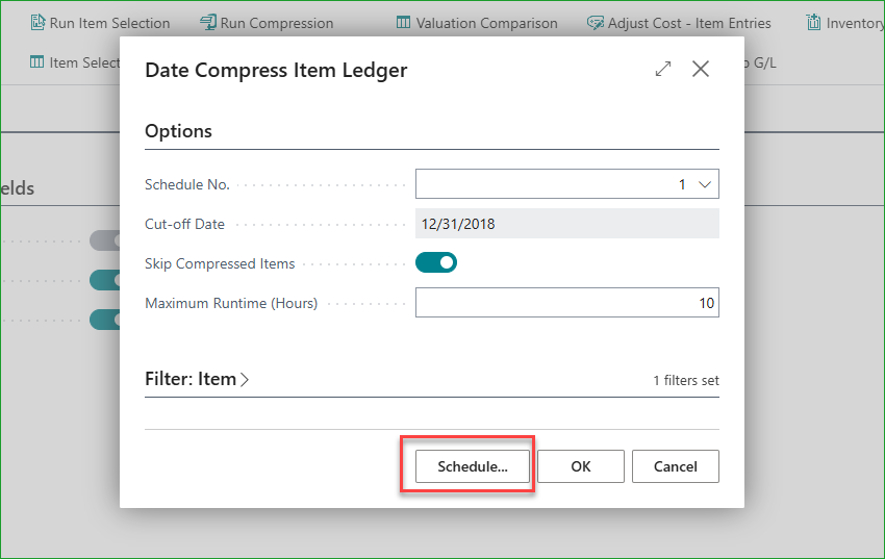
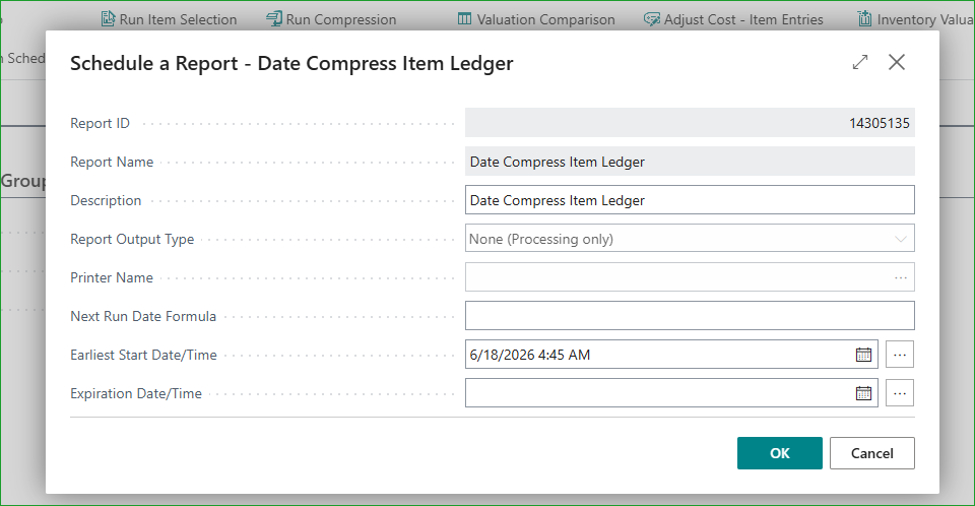
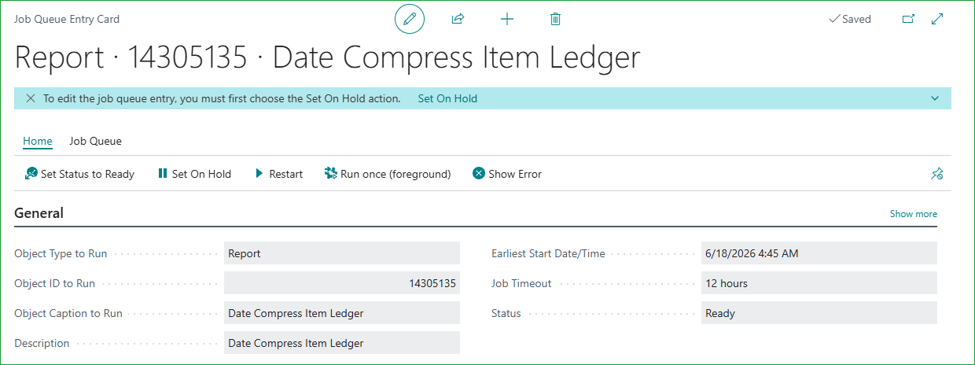
Compression doesn’t have to be a manual chore. The app integrates with Business Central’s Job Queue, so you can schedule compression runs to happen automatically — during off-peak hours, on a recurring basis, without anyone needing to kick it off manually.
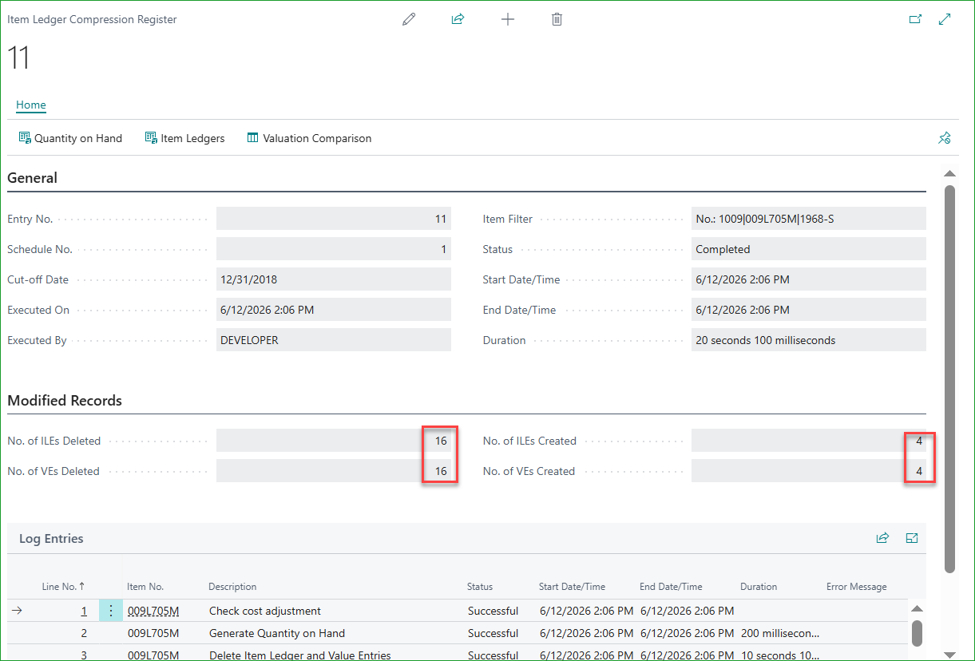
Once a compression run completes, a register is created automatically. It records how many ledger entries were deleted and how many new compressed entries were created in their place. From the register you can drill into:
The compression register, showing the number of entries deleted and those created.
Accessing the generated entries.
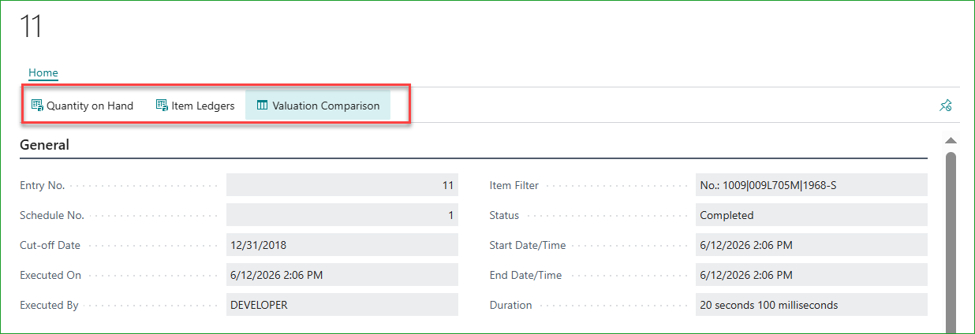
Quantity on Hand.

Item Ledger Entries.

Item Valuation Comparison – before and after compression.

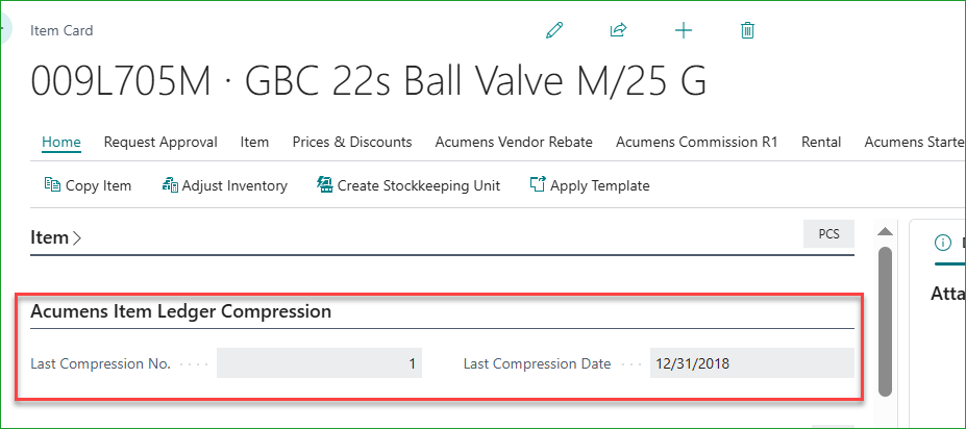
Each item also stores the details of its last compression, so you always know when an item was last processed and under which schedule.
Acumens Item Ledger Compression is particularly valuable for businesses that:
Database growth is inevitable in any active ERP environment. What doesn’t have to be inevitable is the performance drag that comes with it. With automated scheduling, configurable grouping, built-in safeguards, and clear audit trails, Acumens Item Ledger Compression gives you a reliable, repeatable way to keep Business Central running at its best — today and years down the line.