Acumens Advanced Projects (NW)
Enhance Business Central with project resource cost posting to G/L, fields integration, enhanced posting logic, and fixed asset project support.
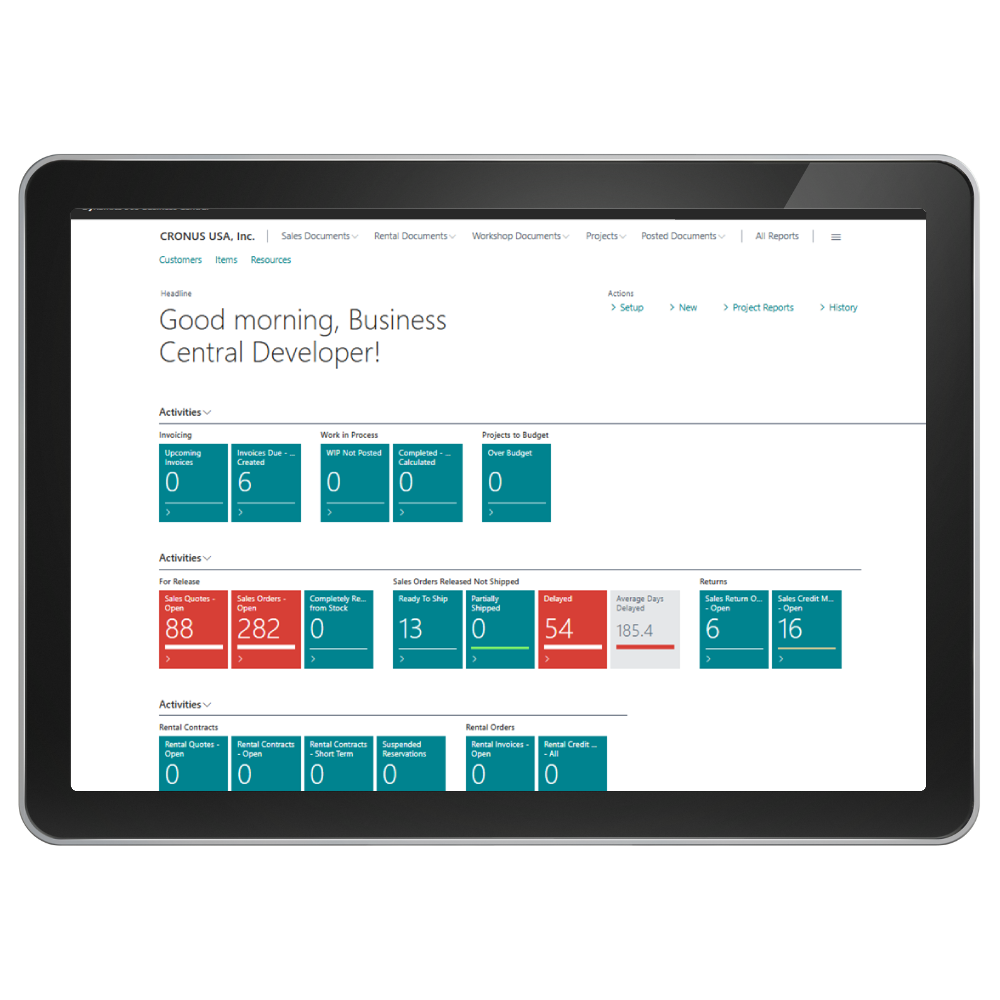

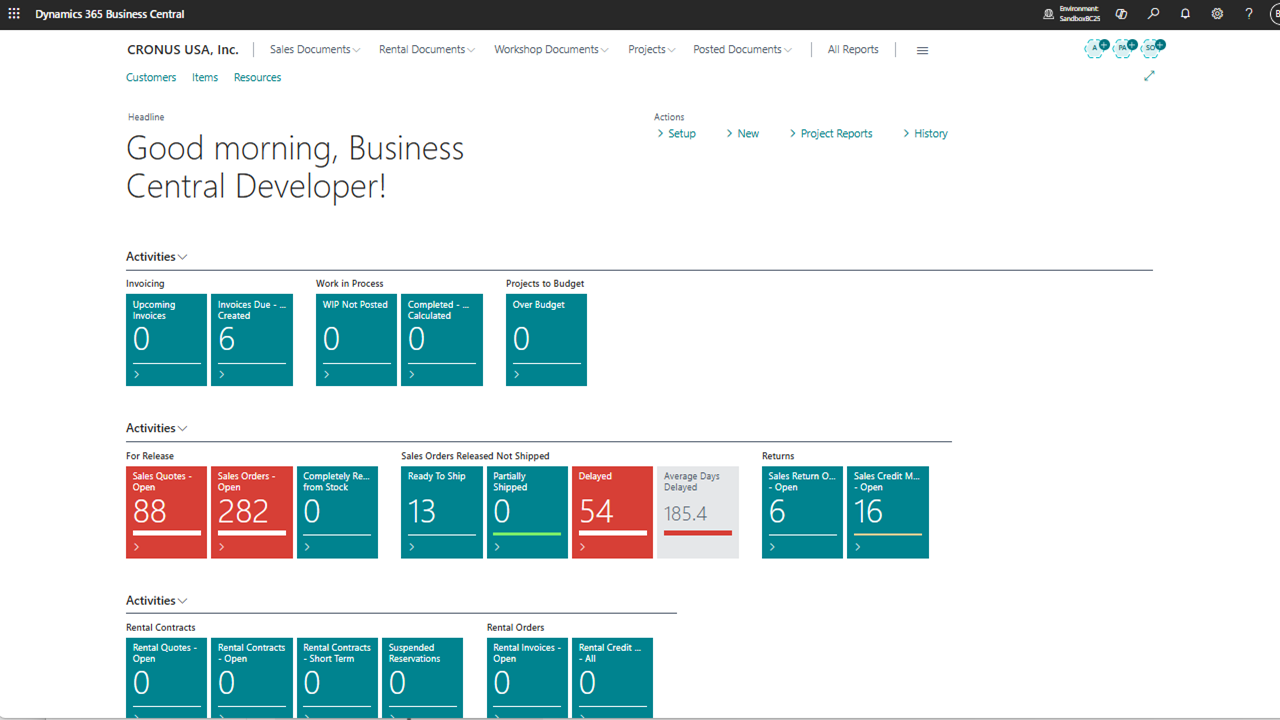
Acumens Advanced Projects (NW) extends the standard Project module in Business Central. It introduces additional updates on how Project information flows through Sales, EQM Workshop, and EQM Rental processes. This allows the project details to flow smoothly on these documents and post properly to the project ledger.

Sales Quotes
When converting a Sales Quote using either Make Order or Make Invoice actions, the Project fields are automatically transferred to the new document.

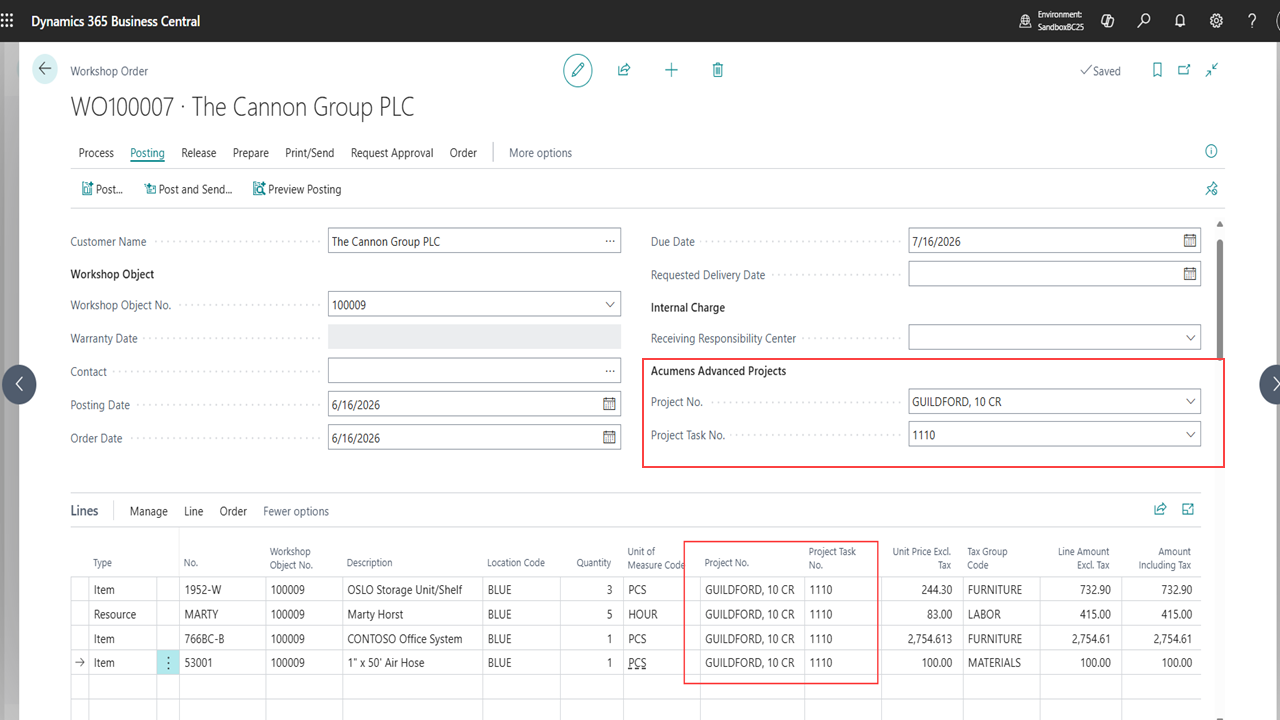
Workshop Document
In addition to standard sales orders, this app also adds support to Posting from Workshop Orders.
Copying documents
Copy Document action will copy the project details from copied document. Make Order / Make Invoice actions preserves the project fields.
Acumens Advanced Projects (NW)
Features
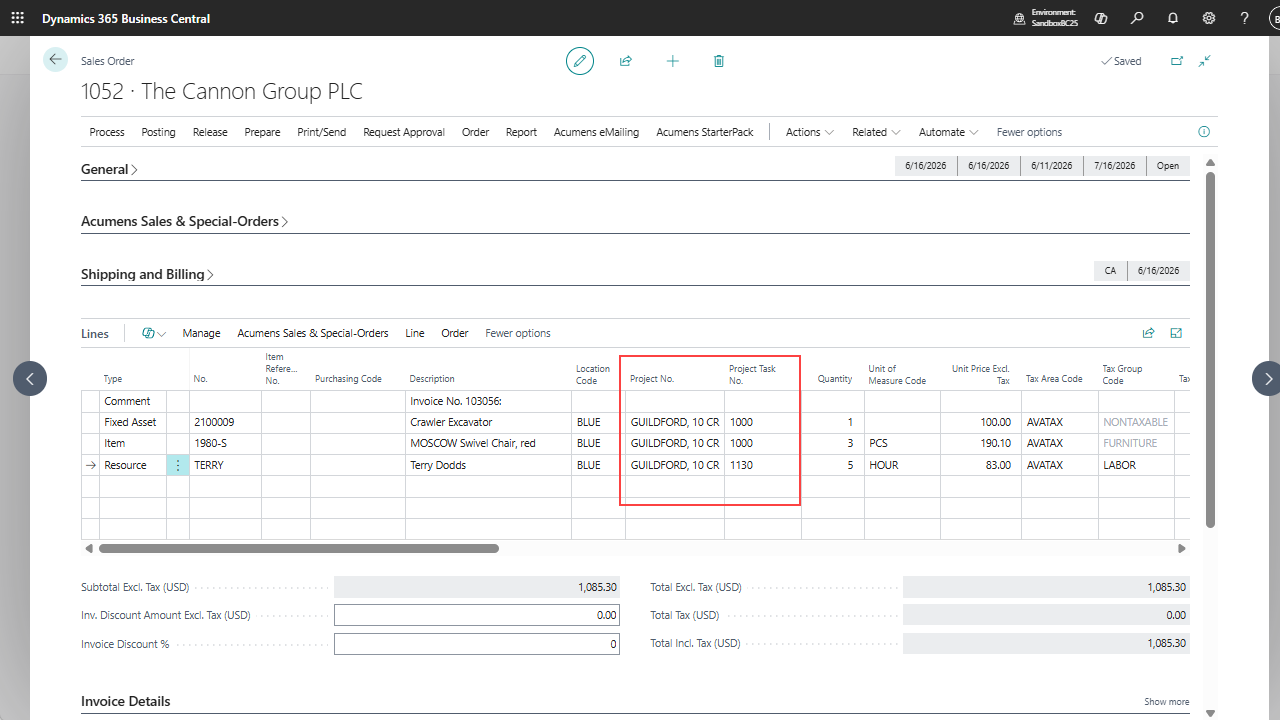
Sales Quotes and Orders: Enter Project No. and Project Task No. directly on sales document lines. When converting Quote to orders/invoices, project details are transferred automatically.
Workshop and Rental Documents: Project fields are editable on Workshop quotes, orders and credit memos.
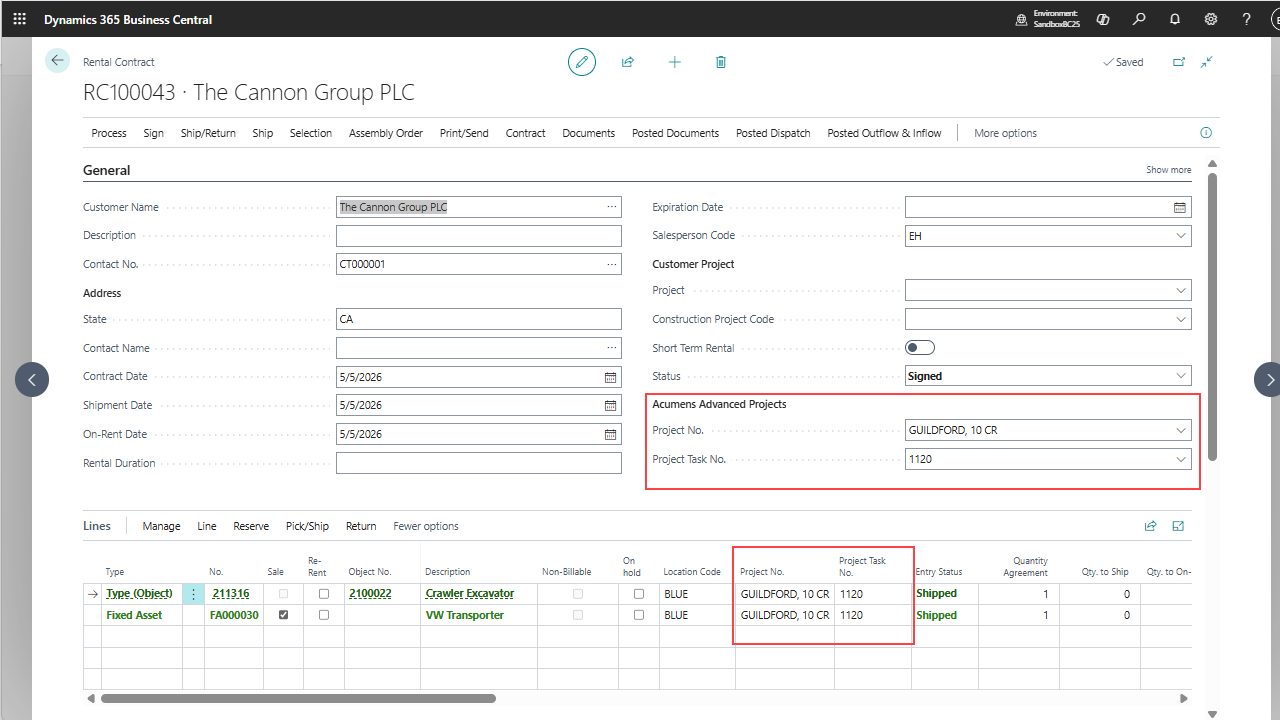
Projects fields are visible on rental sales invoices and credit memos and project details flow from the Rental Contracts.
By default, project fields will be shown in Rental Contracts.
Copying and converting sales documents: Copy Document action will copy the project details from copied document.
Make Order / Make Invoice actions preserves the project fields.
Changing Responsibility Center or Dimensions will not trigger recreate sales lines, to avoid overwriting user custom changes.
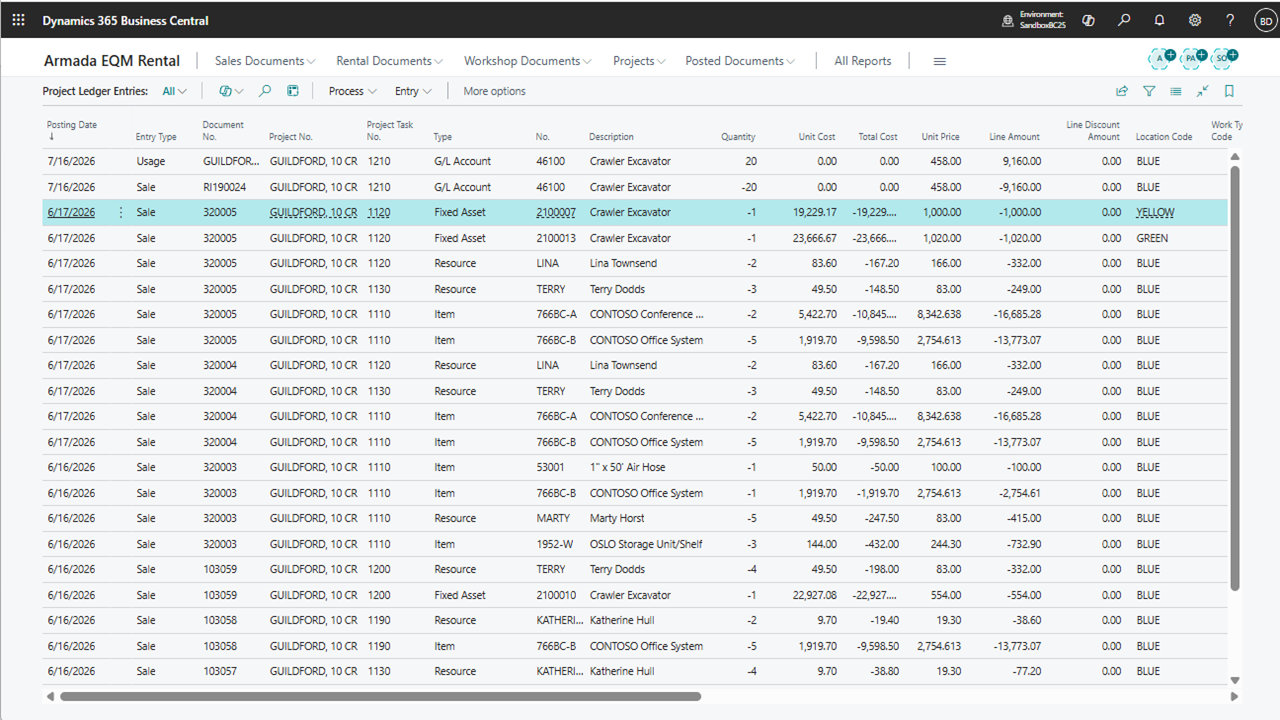
Posting to Project Ledger: Project fields manually entered on sales documents will post to the Project Ledger.
Sales orders are posted to the Project Ledger.
Sale lines of type Fixed Asset will be posted to the Project Ledger. Business central only supports posting for Resource, Item and G/L account.
Get started with Acumens Advanced Projects (NW)