Acumens Professional Services Management (NW)
Streamline project delivery with Work Orders, DocuSign approvals, secure attachments, resource tracking, and time sheet management.
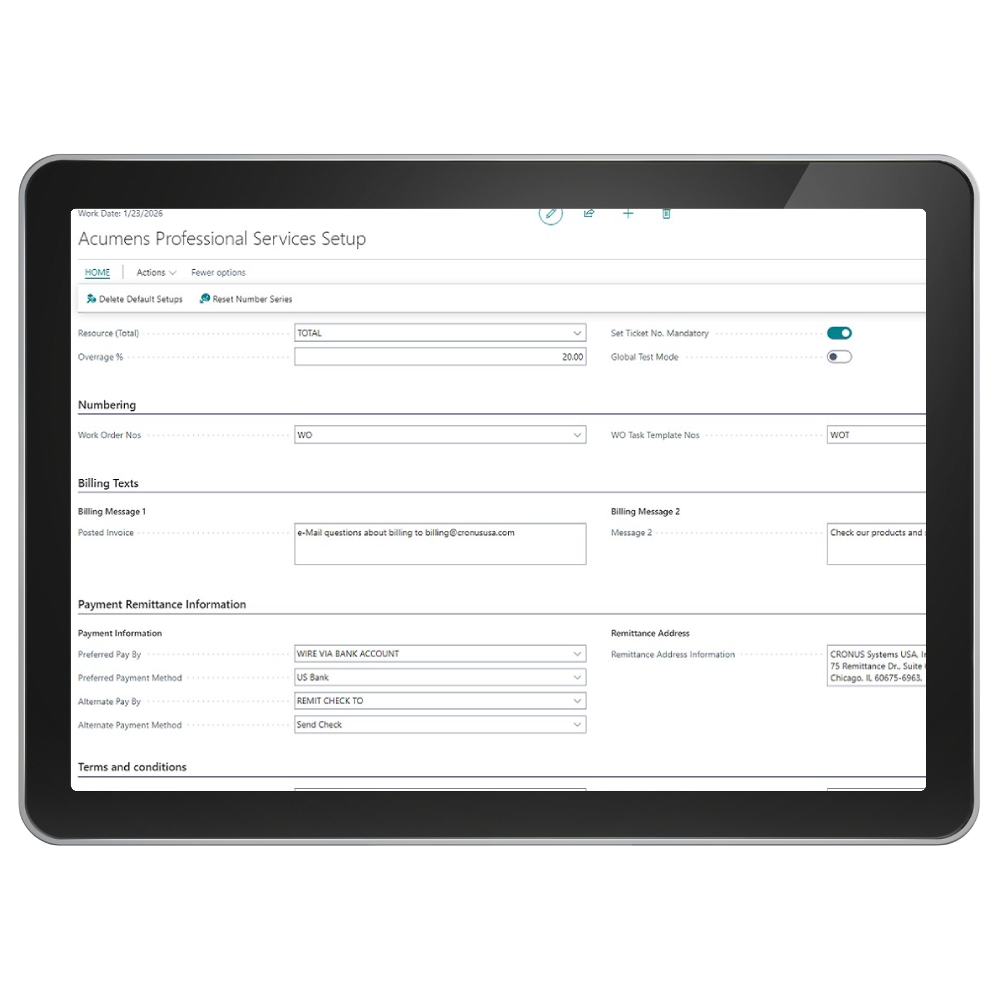

Acumens Professional Services Management (NW) is an integrated solution for Dynamics Business Central and Dynamics NAV designed to help businesses, especially project managers, manage projects, resources, billing and budget effectively. Within this framework, Work Orders play a crucial role in planning and executing tasks associated with various projects.

Budget Control
Ensuring financial control throughout the project lifecycle

Task Management
Manage tasks within a Work Order to ensure clear assignment

Resource Allocation
Ensuring the right people are working on the right tasks
Project clarity, control, and compliance.
Screenshots
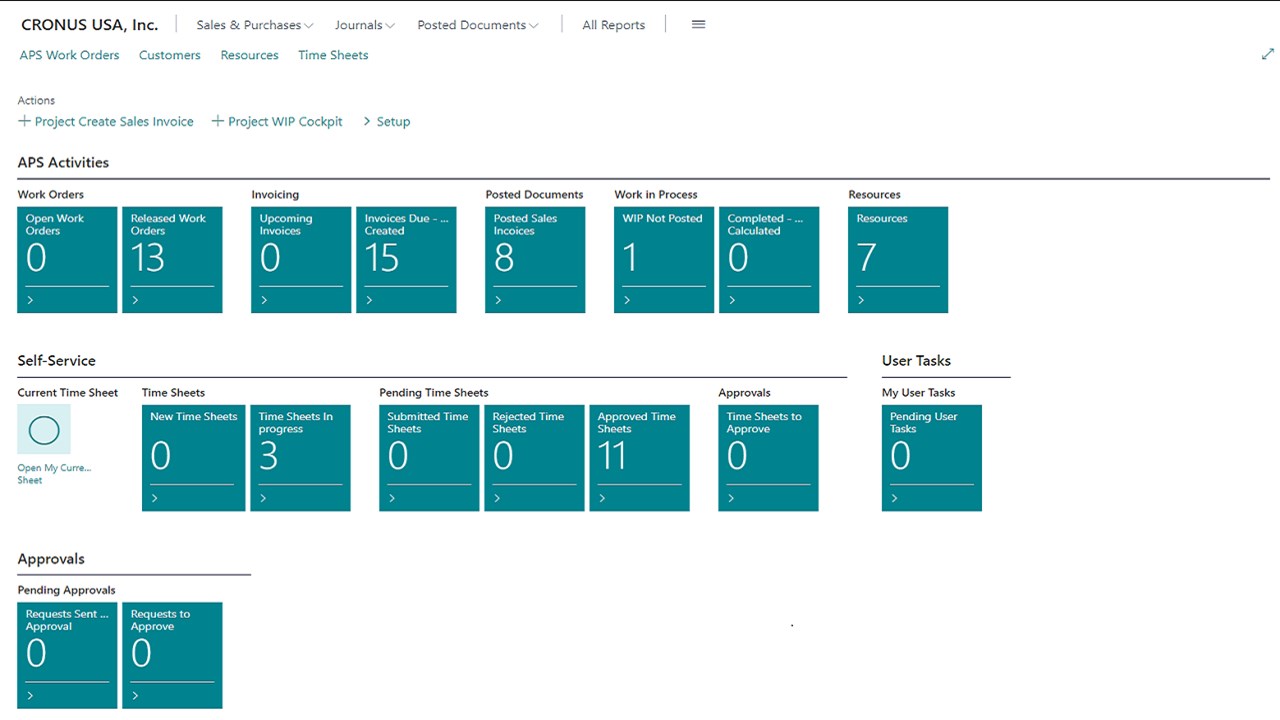
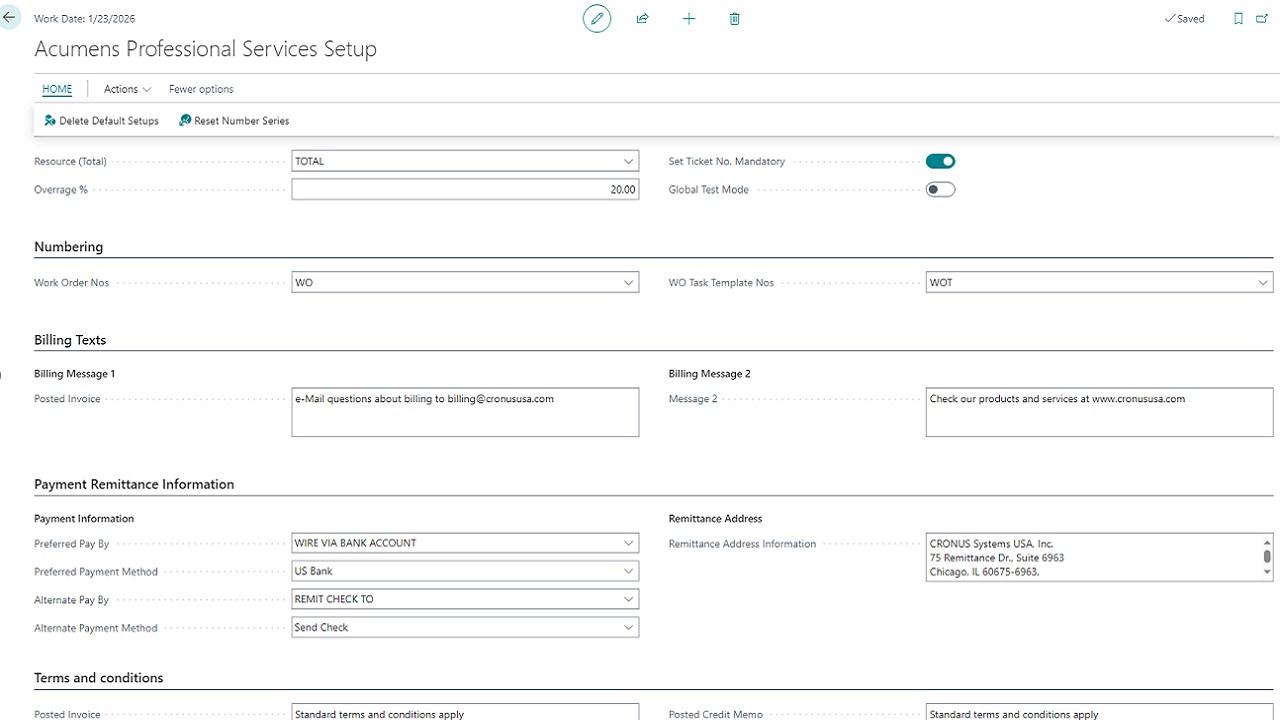
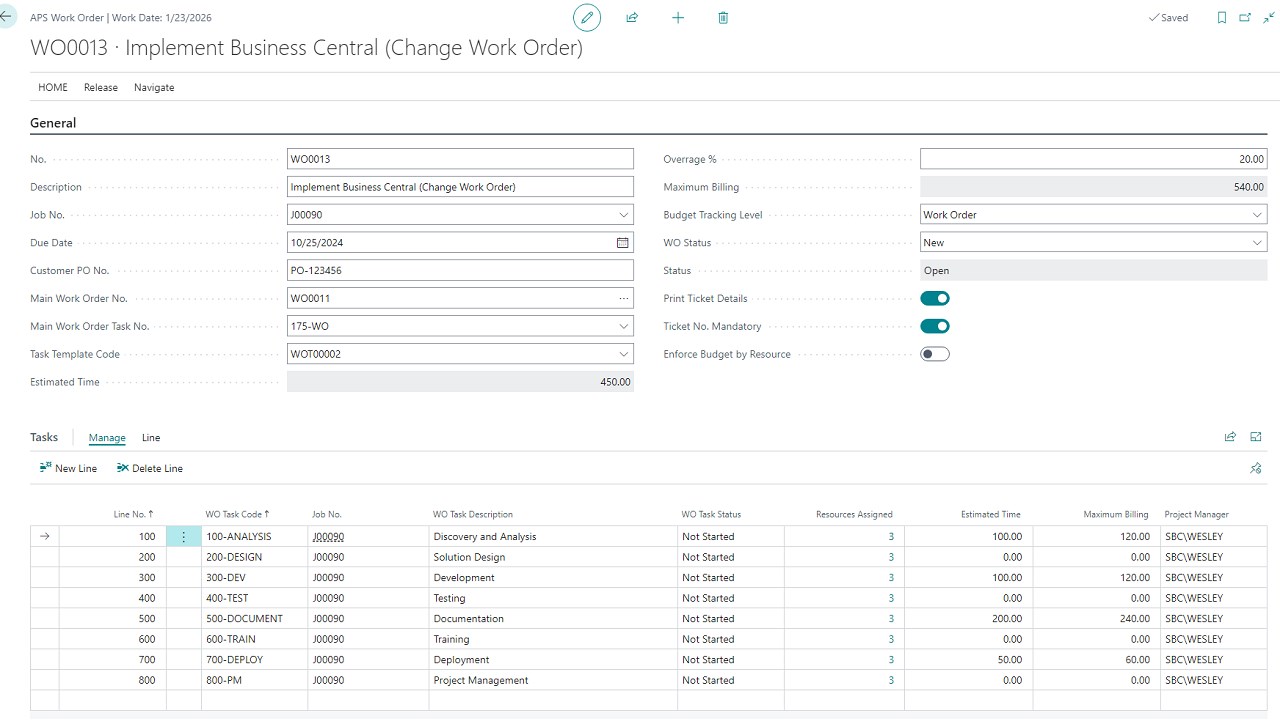
Get started with Acumens Professional Services Management (NW)
Acumens Professional Services Management (NW)
Features
Task Management: Create and manage tasks within a Work Order to ensure clear assignment and tracking of responsibilities.
Resource Allocation: Assign resources to Work Orders based on availability and skill sets, ensuring the right people are working on the right tasks.
Time and Expense Tracking: Employees can log their time and expenses directly against Work Orders, streamlining the billing process and providing accurate project costing.
Budget Management: Set budgets for projects and monitor costs associated with Work Orders. Alerts can be configured for budget overruns, enabling proactive management.
Invoicing and Billing: Generate invoices based on the Work Orders and associated tasks. This ensures that billing aligns with the work performed and the resources utilized.
Integration with Financials: Work Orders are seamlessly integrated with the financial module for Business Central and Dynamics NAV, allowing for real-time updates on project profitability and financial health.
Reporting and Dashboards: Utilize built-in reporting tools and dashboards to gain insights into project performance, resource utilization, and financial metrics.
Templates for Reusability: Create Work Order templates for common project types, enabling faster setup for similar projects in the future. Two types of templates can be created: New Project and Change Work Order.
Document Management: Attach or upload relevant documents, contracts, and specifications to Work Orders for easy access and reference throughout the project.
Ticket Management: Tickets help track the time spent by the resource(s) on specific tasks or projects. This data is essential for accurate billing, ensuring that clients are charged for the actual work performed.
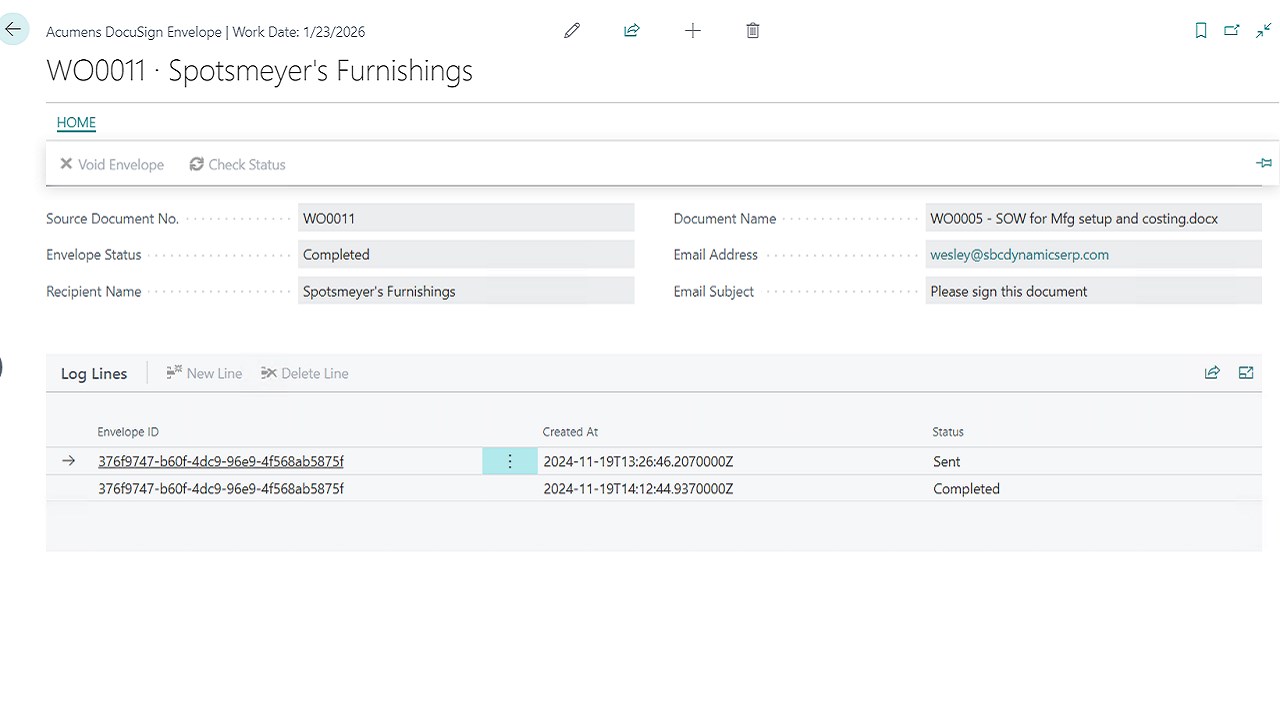
DocuSign Approval Process: The DocuSign Approval Process refers to the steps and workflow used to obtain, track, and manage approvals for documents using DocuSign, a digital signature platform. This process enables Project Managers to electronically send documents to customers for signature via DocuSign.
Features
Project Planning: Work Orders are tied to specific projects, allowing organizations to plan and allocate resources effectively. Each Work Order corresponds to particular tasks within the project, facilitating better tracking and management.
Resource Management: Work Orders help allocate personnel necessary for project completion. This ensures that all resources are optimally utilized and available when needed.
Time and Expense Tracking: Work Orders allow teams to log time and expenses associated with specific tasks, enabling precise billing and budget management.
Budget Control: Work Orders are linked to project budgets, allowing project managers to monitor expenditures against budgeted amounts, ensuring financial control throughout the project lifecycle.
Reporting and Analytics: Work Orders provide valuable data that can be analyzed to gauge project performance, resource utilization, and financial metrics. This data helps in making informed decisions for future projects.
Using Work Orders within Acumens Professional Services Management (NW) in Business Central enhances project execution by providing structure, accountability, and transparency. The integration of resource management, time tracking, and financial oversight ensures that projects are completed efficiently and profitably.
Get started with Acumens Professional Services Management (NW)
Get started with Acumens Professional Services Management (NW)