Acumens Loading

Acumens Security Management for EQM

Available from Microsoft AppSource and OnPrem

Secure EQM posting in Dynamics 365 BC with user-based controls, location restrictions, and default-deny security for improved document control and access.

Additional Resources
Installation Guide Online Help FAQ
Acumens Security Management for EQM Acumens.com

Acumens Security Management for EQM

For Microsoft Business Central and Dynamics Nav

Acumens Security Management for EQM for Dynamics Business Central/ Dynamics NAV is an addon introduces a User Posting Permissions for EQM Related Documents.

Acumens Security Management for EQM Management

Transactions Documents

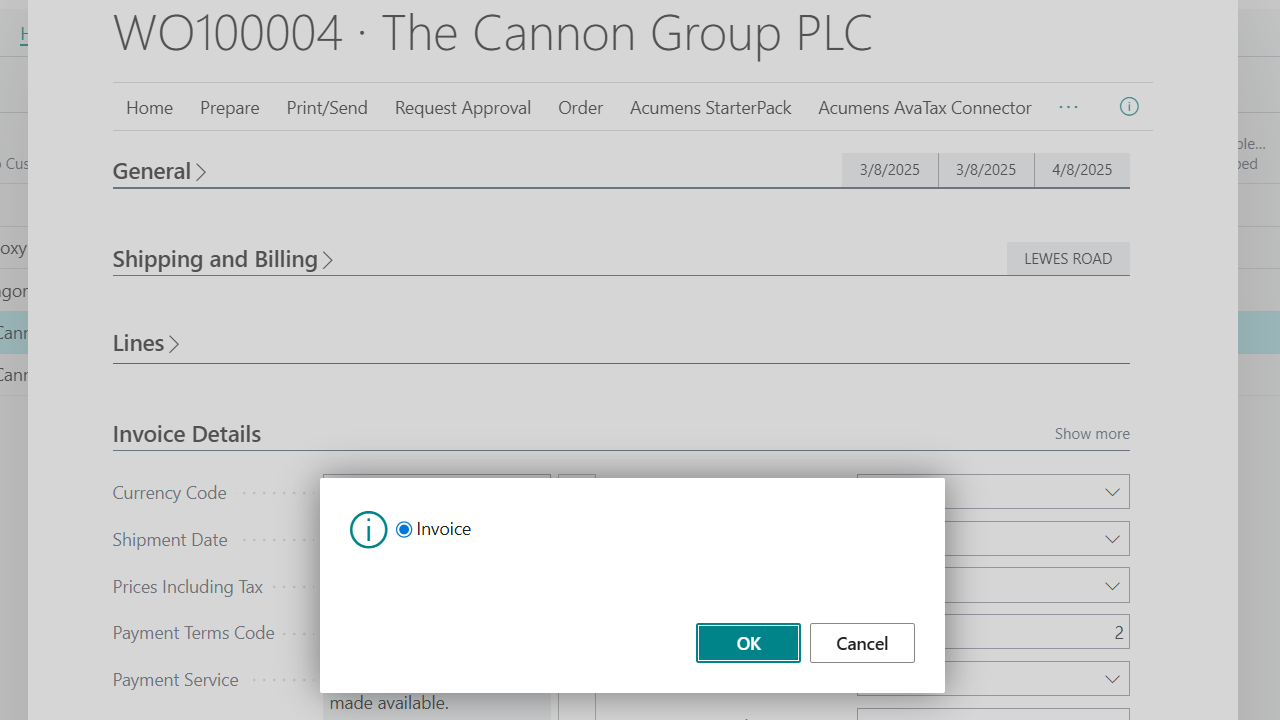
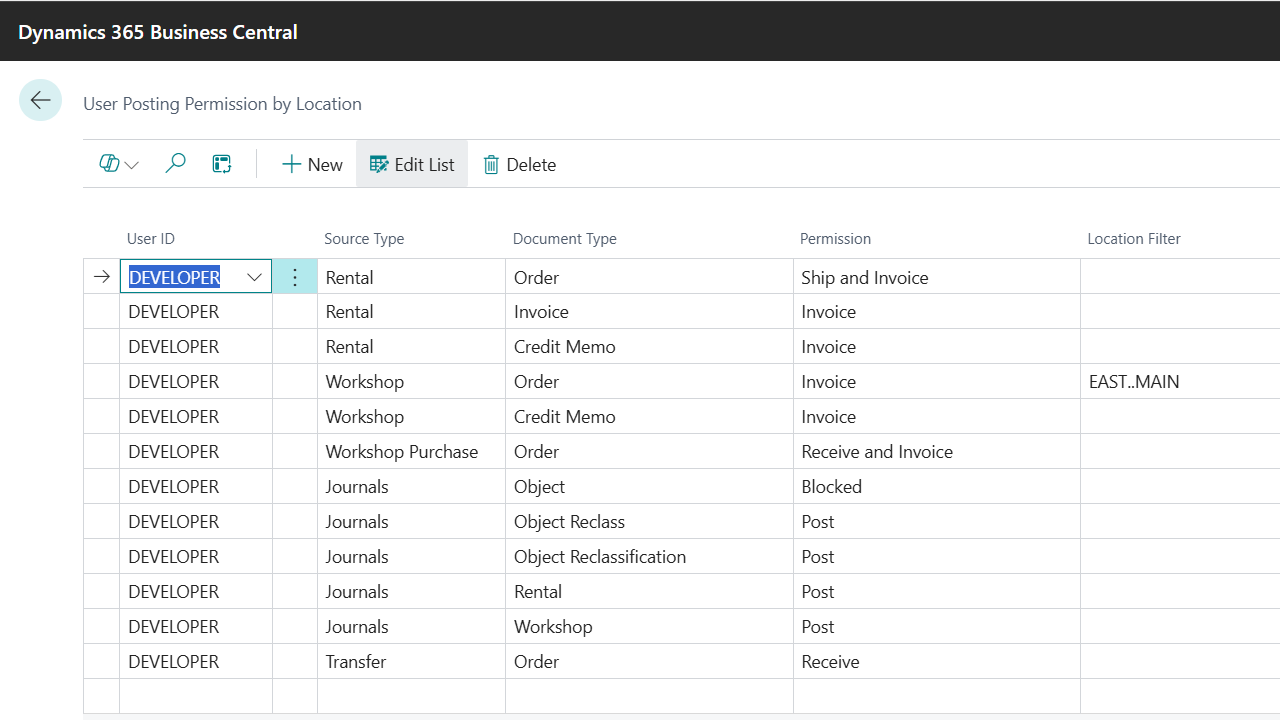
Transaction Documents post options are configured based on available post options on the document i.e. for a Sales Order, available options are Ship, Invoice, Ship and Invoice and additional option for Blocked.

Acumens Security Management for EQM Management

Journals

Journals have two options which are Post and Blocked and can also be limited to Locations and Responsibility Centers.
Secure EQM Posting. Control Access.

Acumens Security Management for EQM

Screenshots

Get started with Acumens Security Management for EQM

Acumens Security Management for EQM

Features

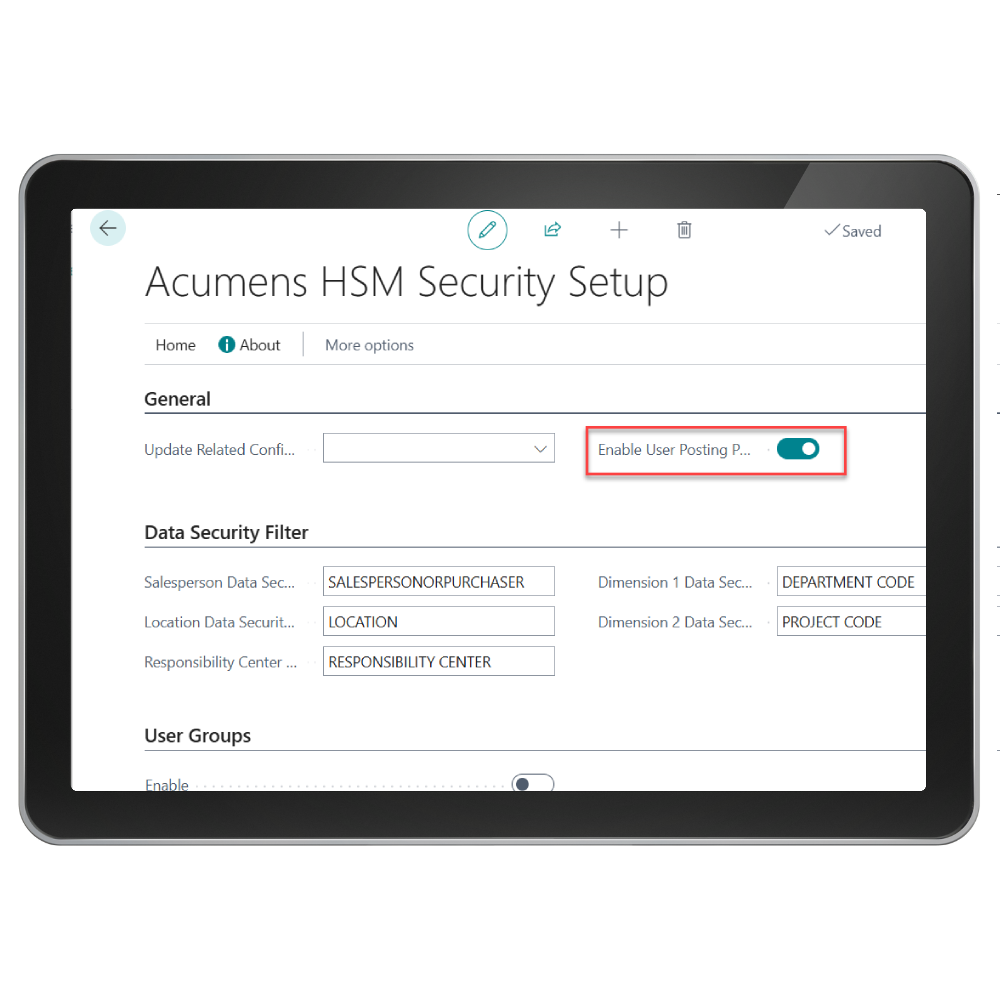
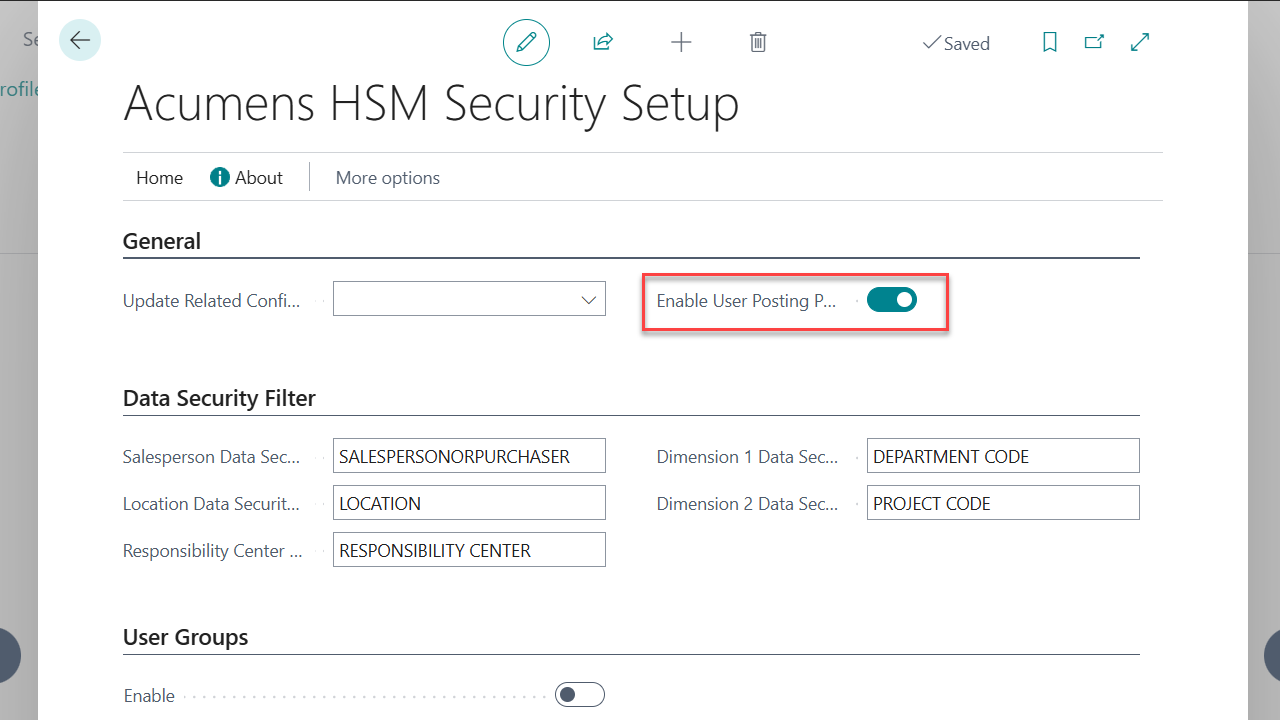
 User Posting Permissions:   This feature introduces a control to post actions per user per document type with the option to limit to locations and responsibility centers.

It's implemented for Rental Sales Documents, Workshop Sales Documents, Workshop Purchase Documents, and Journals (Object, Object Reclass, Object Reclassification, Rental and Workshop).

Get started with Acumens Security Management for EQM

Frequently Asked Questions

Standard Business Central permissions can control access to objects and data, but do not provide dedicated controls for configuring posting actions by user and document type, including restrictions by location and responsibility center. Acumens Security Management for EQM lets administrators define which posting actions each user can perform on EQM Rental documents. Depending on the document, permissions can allow specific actions such as shipping, invoicing, or shipping and invoicing, or block posting entirely. This helps enforce purchasing and operational controls while reducing unauthorized transactions.
Standard Business Central permissions may not ensure that all posting actions are blocked by default when a user has not been explicitly authorized. Acumens Security Management for EQM applies a default-deny approach, blocking posting actions unless the user has been specifically granted permission, helping reduce unauthorized transactions and strengthen financial and operational control.
Standard Business Central permission sets control access at the object level but cannot restrict individual page actions or enforce view-only, edit-only, or delete-only behavior on a specific page. Acumens Security Management for EQM allows administrators to assign page-level permissions to individual users. Depending on the permission assigned (None, Read, Edit, Delete, or Full), users can be restricted to viewing records only, modifying existing records, deleting records, or granted full access. This helps enforce segregation of duties, protect sensitive data, and ensure users only perform actions relevant to their responsibilities.

Get started with Acumens Security Management for EQM

Customer support team ready to assist you

Contact SupportContact

Contact Support for demo of the app or for assistance with setup and training

Sign UpSign Up

Sign up to receive updates on Acumens.com, new releases, and extension updates by filling in the form.