Acumens Security Management
Deliver granular field, page, posting, and dimension controls, enforcing least privilege access, accurate data entry, and compliant transaction processing.

For Microsoft Business Central and Dynamics Nav
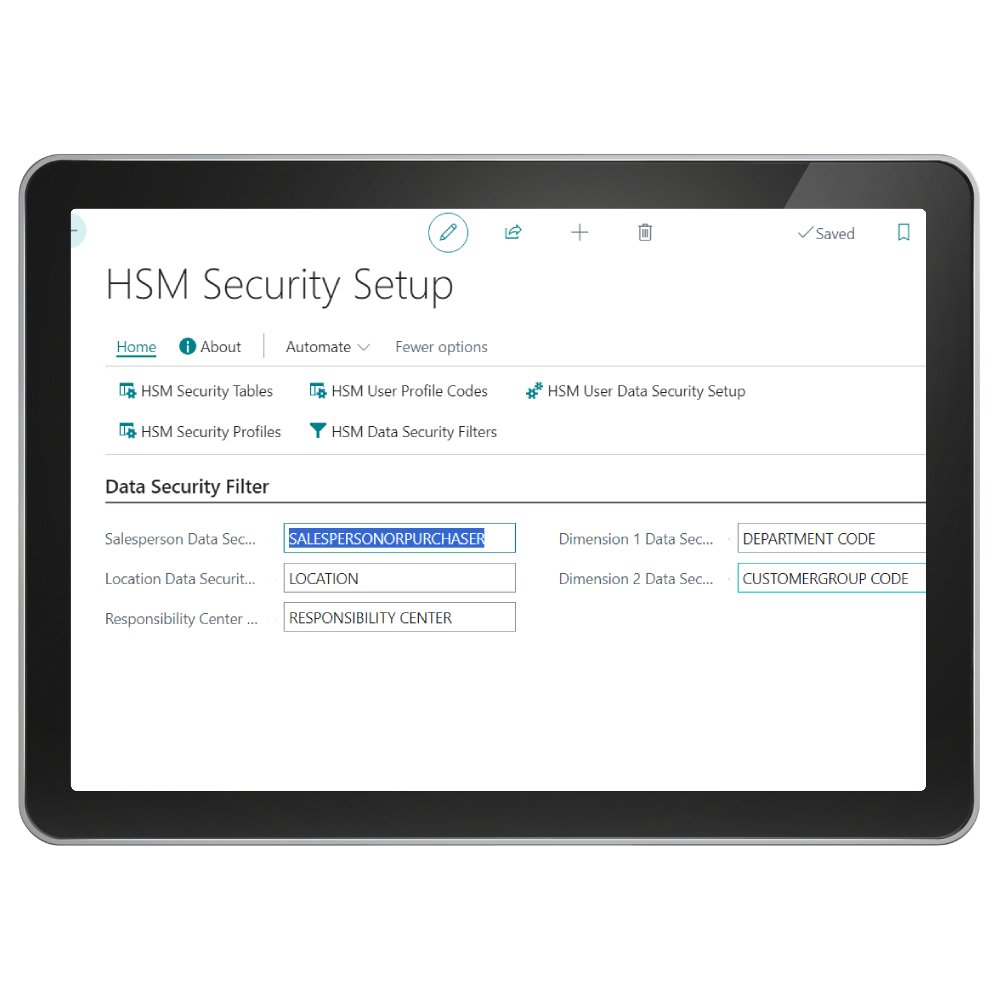
Acumens Security Management for Dynamics Business Central/ Dynamics NAV is an addon that provides both Application and Data security. Application security controls user access to various features of the application whereas data security controls which data the user has access to. These controls are defined per user or per user group.

Page Level Security
Read-only mode i.e. no modification allowed, and page actions are disabled

Data Security
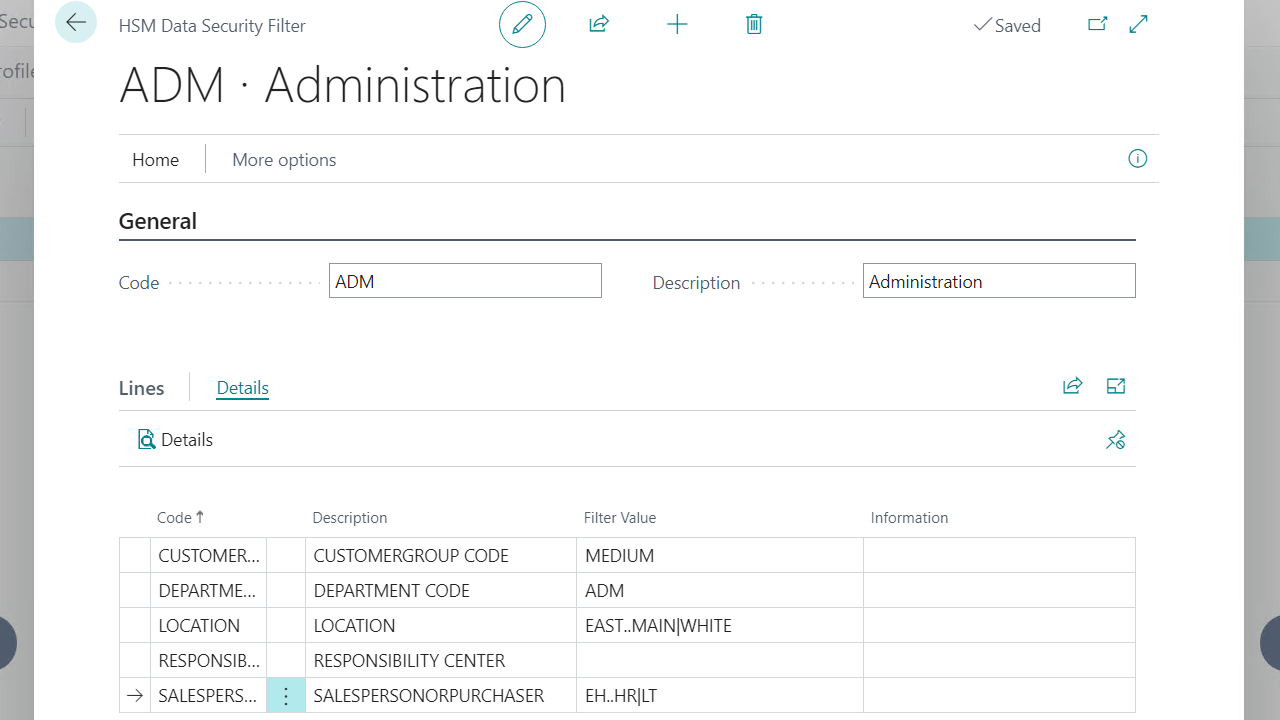
Application data that a user can have access to, based on filters defined on Security setup

Field Level Security
Allows for visibility and execution control on specific page features
Precision Security for Business Central
Screenshots
Get started with Acumens Security Management
Features
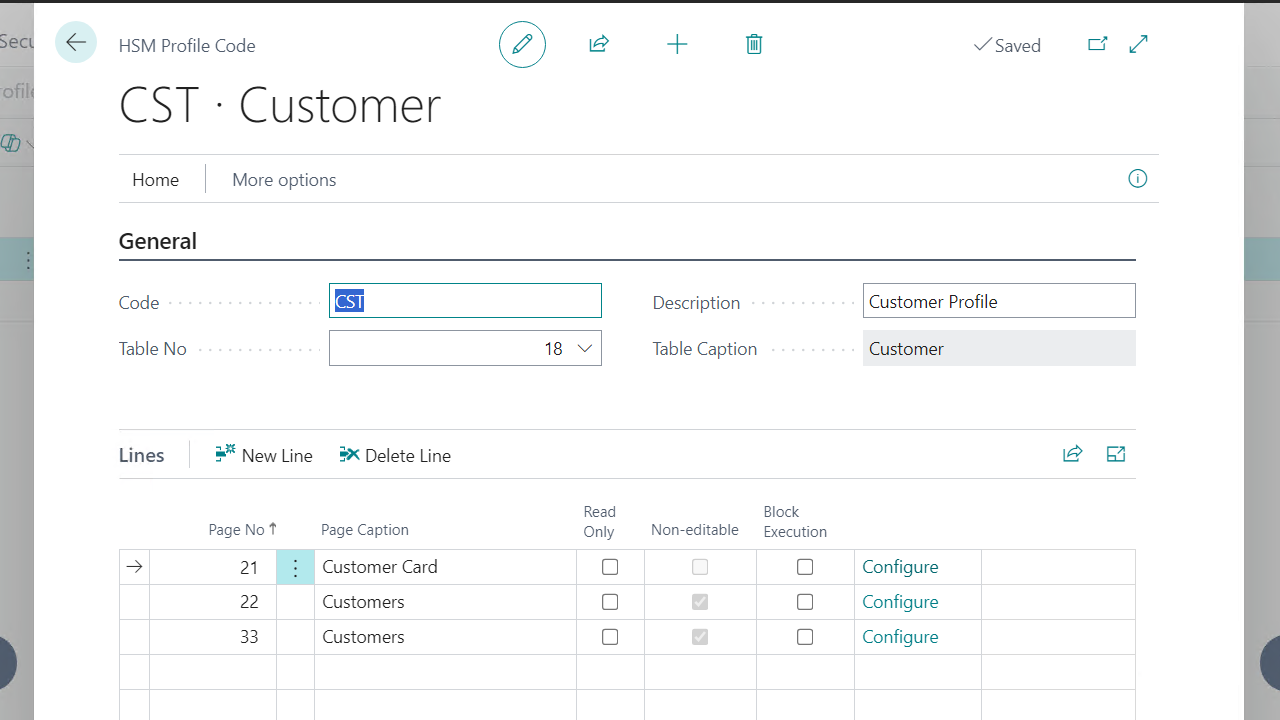
Page Level Security: There are two controls defined on the page level which are.
Read only: This feature opens the pages on read-only mode i.e. no modification allowed, and page actions are disabled.
Block Execution: This feature restricts user access to the page.
Field Level Security: This feature allows for visibility and execution control on specific page features. The features Read, Hide or Edit controls can be defined for fields, fast tabs and subpages. For Page Actions you can hide or disable.
Features
Data Security:
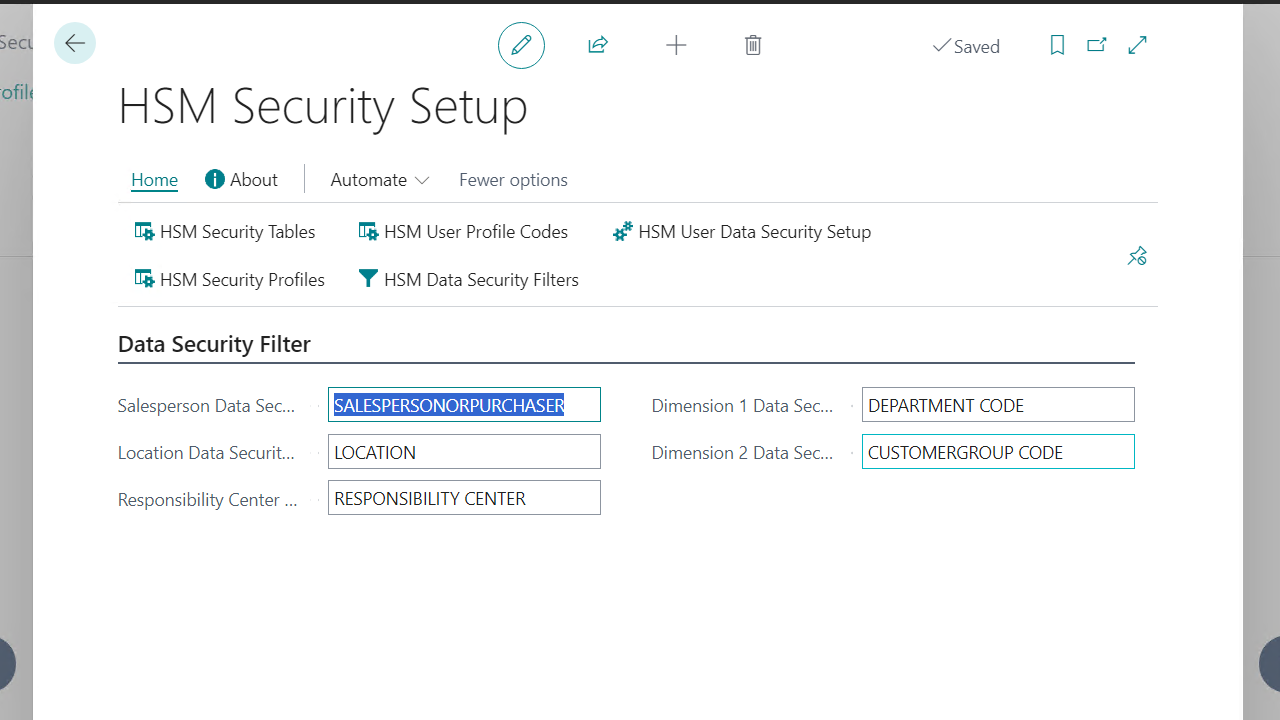
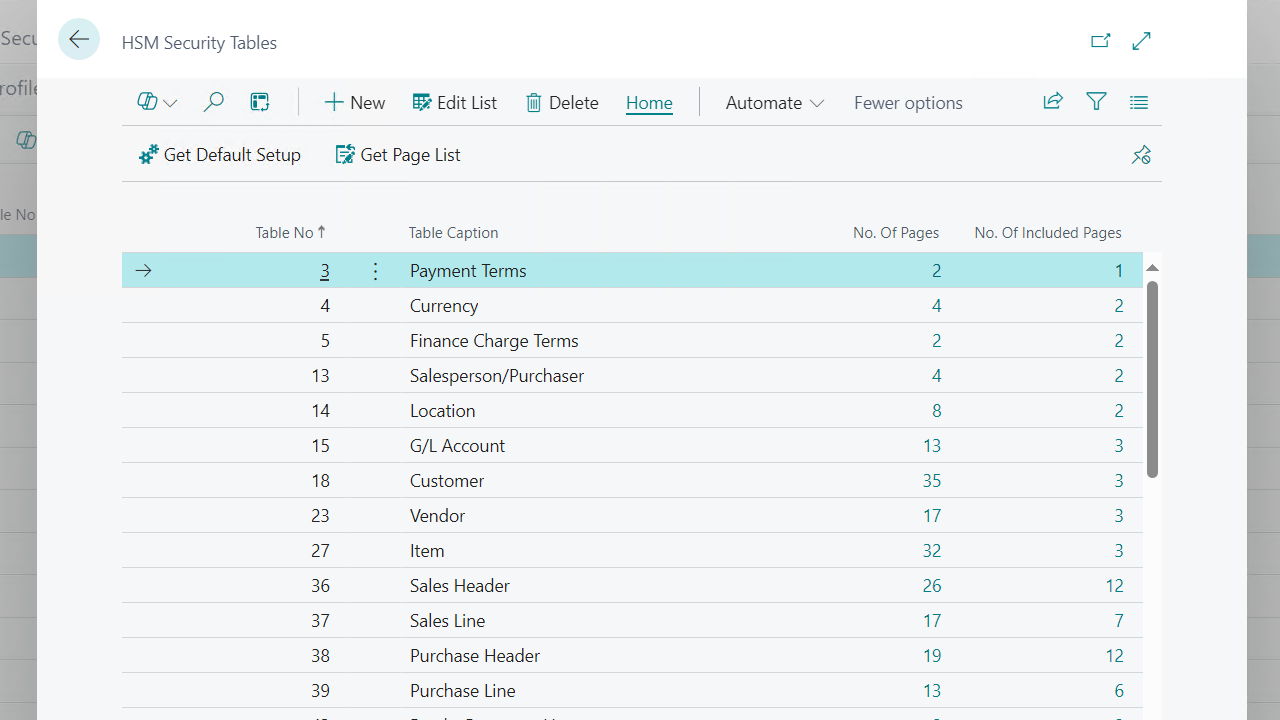
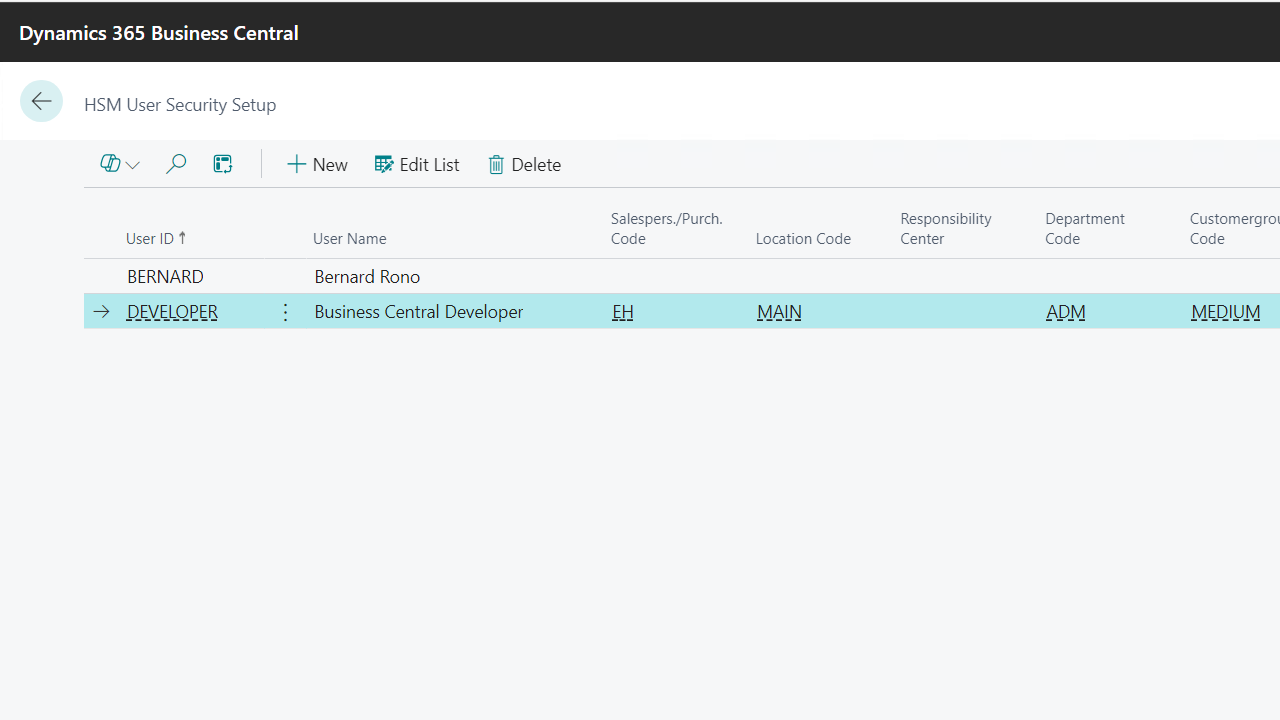
Data Security feature introduces control on application data that a user can have access to, based on filters defined on Security setup and applied to the record fields Salesperson Code, Location Code, Responsibility Center, Global Dimension 1 and Global Dimension 2. The filters are applied to all Standard Business Central records that have these fields.
Additional Filters are defined on User Setup for Transfer-to and Transfer-from filters for Transfer Documents. Individual Salesperson filter is also defined on User Setup.
Data security Default Values:
These are values defined as default for a user account updated on user setup i.e. these values will be used as default values when the assigned user is creating the specified documents.
The default Value fields are Salesperson Code, Location Code, Responsibility Center, Global Dimension 1 and Global Dimension 2 for when creating Customer, Vendor, Sales Document, Purchase Document or Service Document. The default values Default Transfer-from Code, Default Transfer-to Code, Global Dimension 1 and Global Dimension 2 are used for Transfer Documents.
Get started with Acumens Security Management
Get started with Acumens Security Management