Acumens Advanced Projects is an extension for Microsoft Dynamics NAV and Microsoft 365 Business Central that enhances the standard Project functionality.
The app introduces additional updates on how Project information flows through Sales, Workshop, and Rental processes.
These enhancements include:
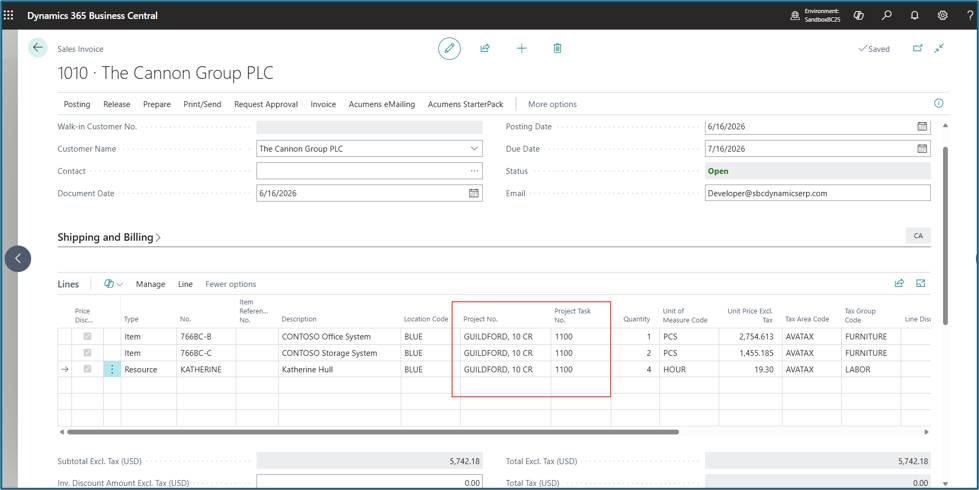
Project No. and Projects Task No. are updated to be visible by default fields on the document lines. These fields allow users to link sales, workshops, and rental documents directly to a project.
To use the fields on a document:
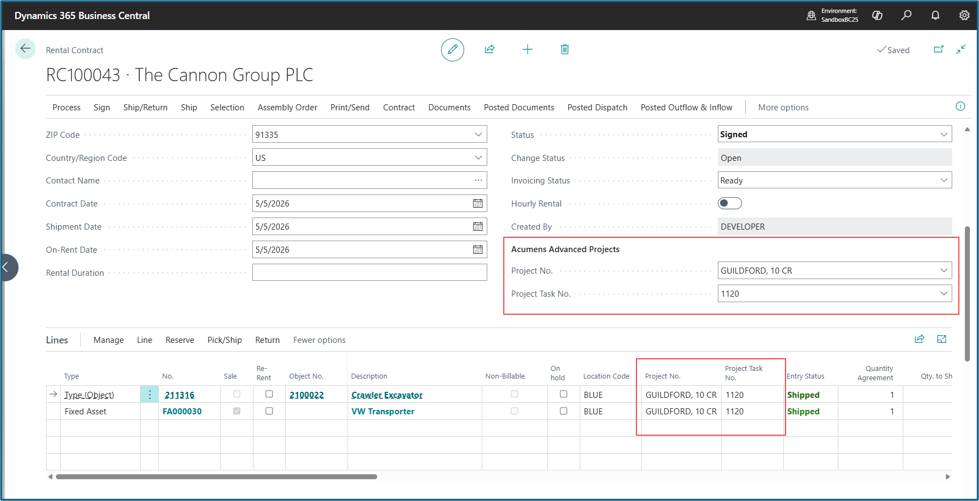
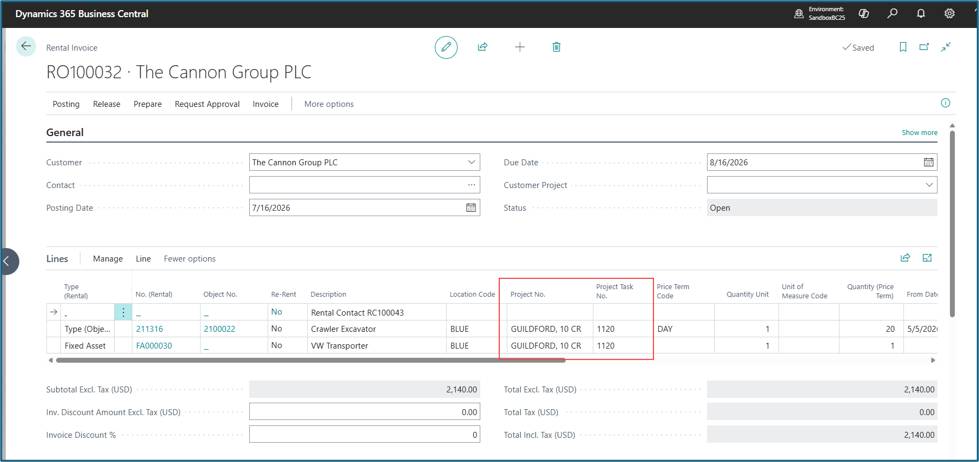
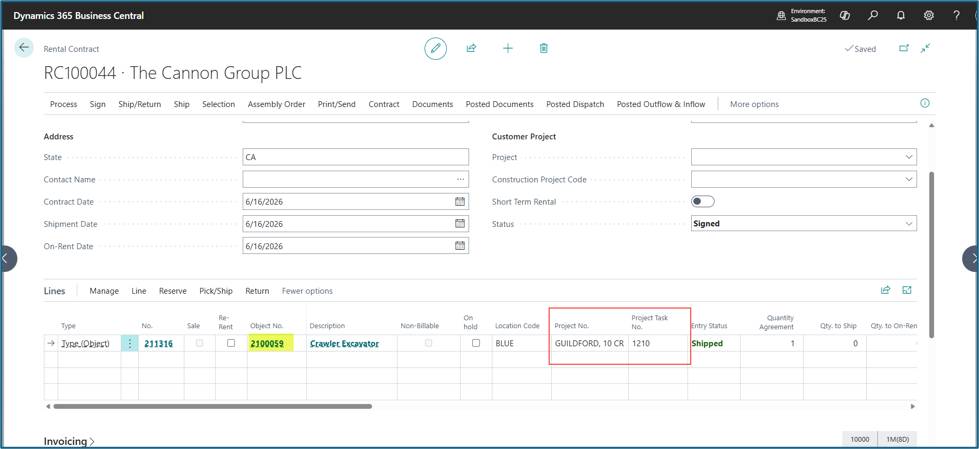
On Rental Invoices and Credit Memos, the Project fields are available on both Rental Contracts and Rental Sales Documents, Project information for Rental Invoices and Rental Credit memo will flow from the Rental Contract when the document is created.
To update the Rental Contract and select the Projects fields. Any Rental Invoice or Credit Memo created from this contract will automatically inherit these values.
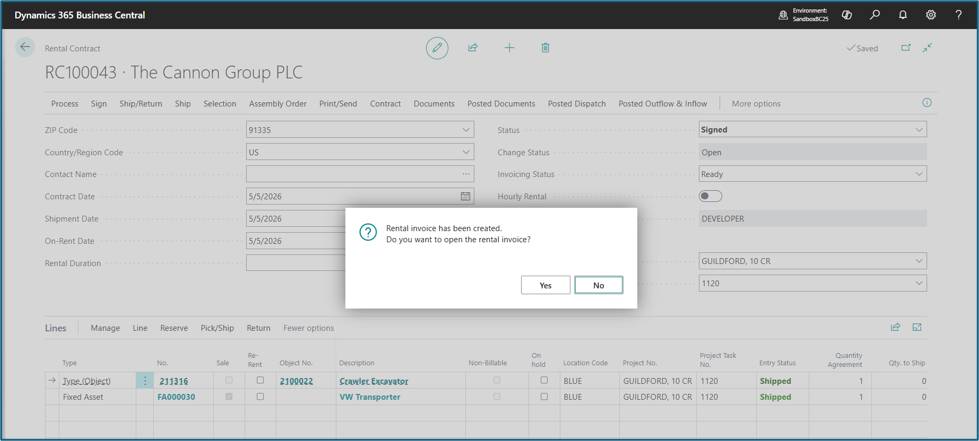
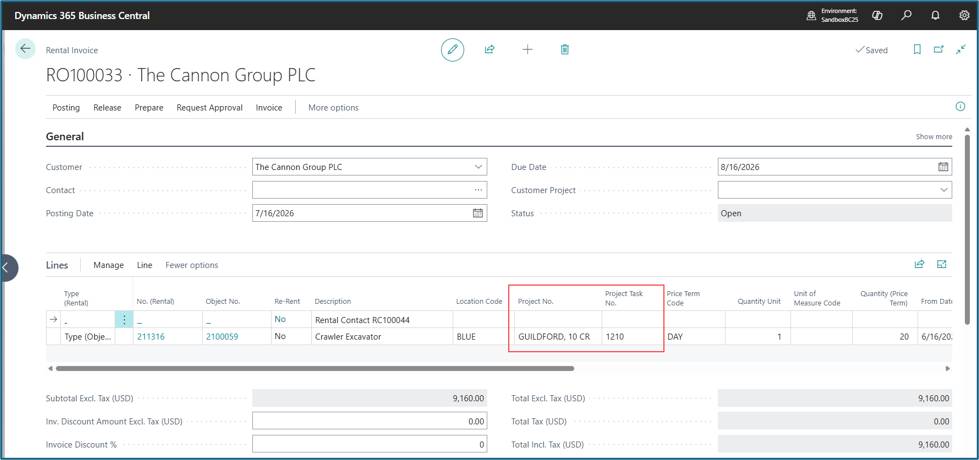
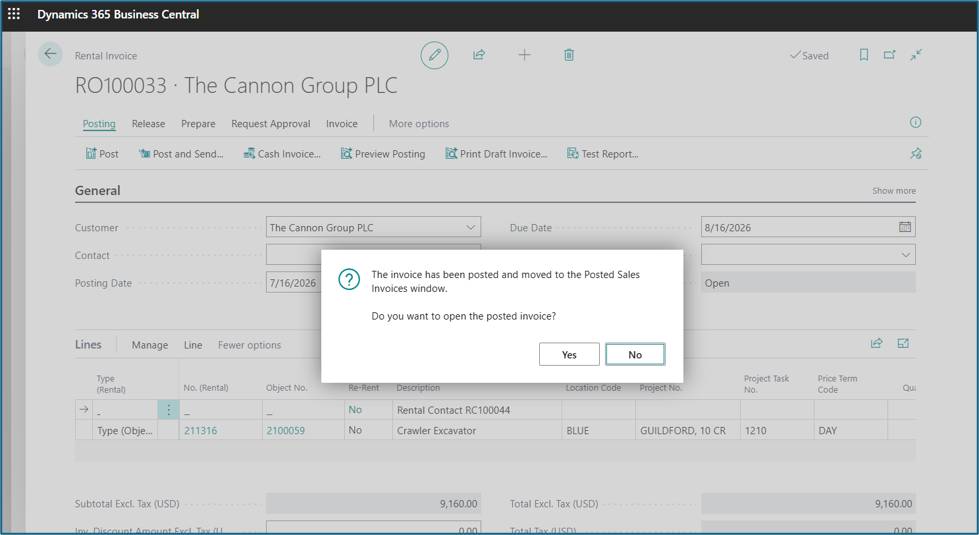
Create a Rental Invoice.
Project information is available on the created Invoice.
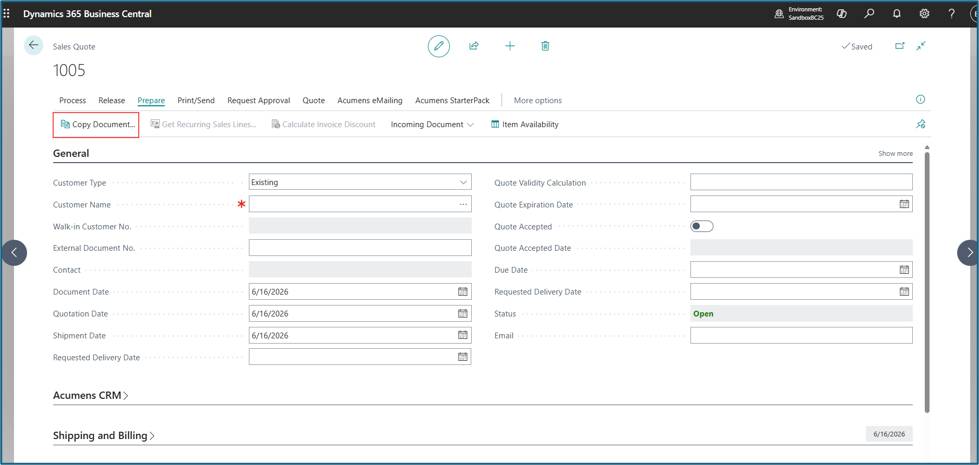
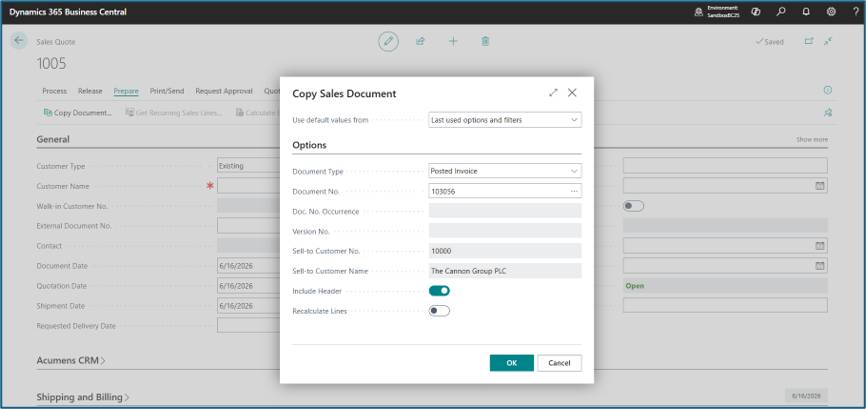
Standard Business central does not copy over Project information to the new document when created via Copy document action.
When you use Copy Document on a Sales document, the system will also copy the Project No. and Project Task No. from the original document.
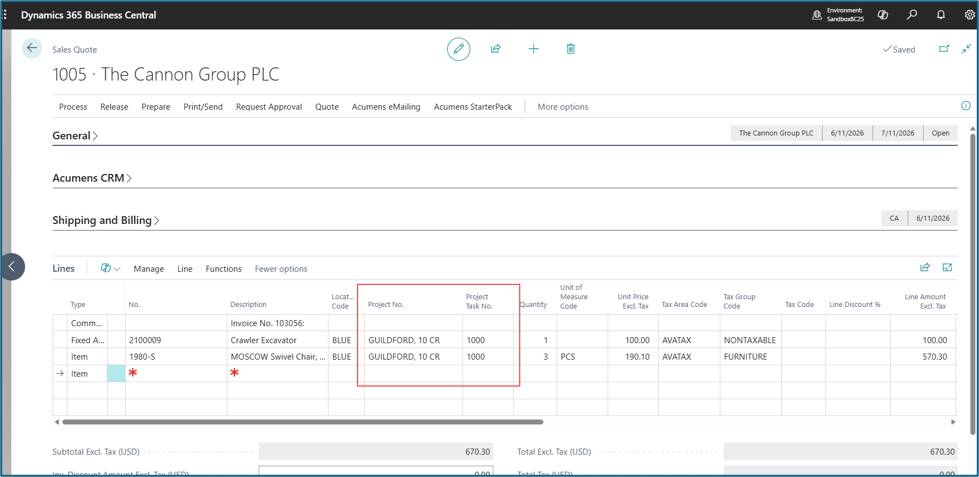
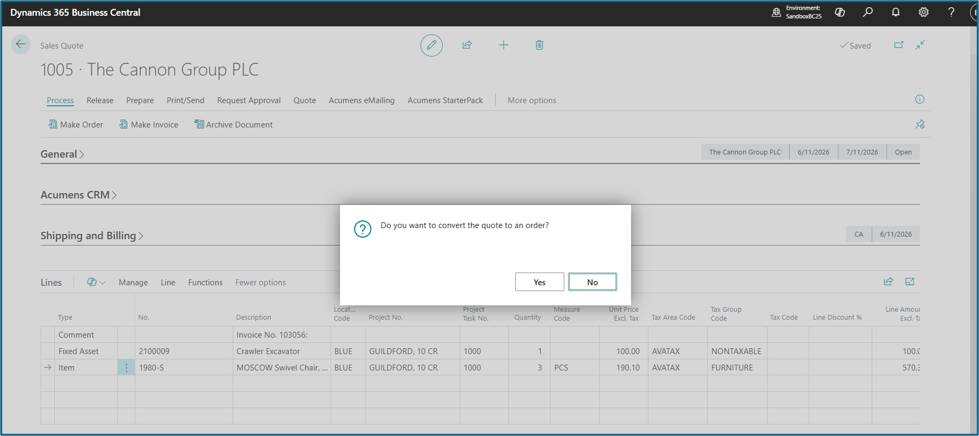
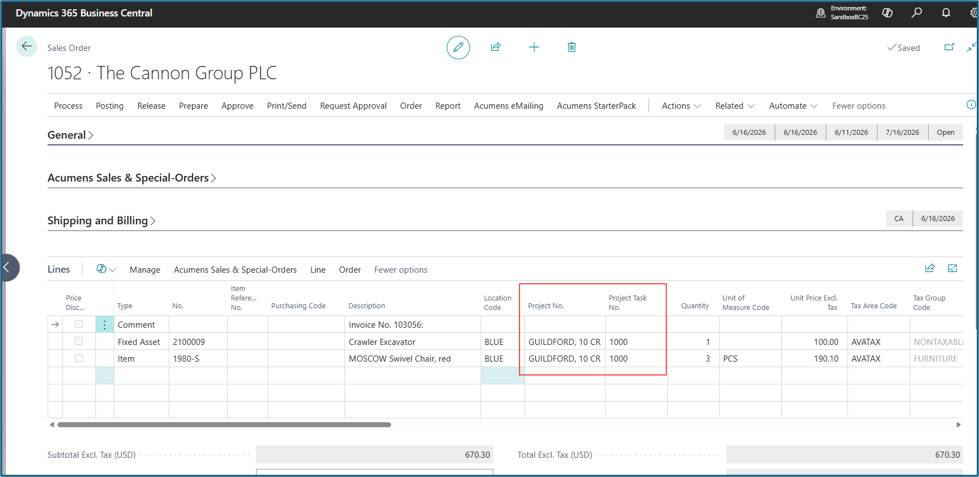
When converting a Sales Quote using either Make Order or Make Invoice actions, the Project fields are automatically transferred to the new document.
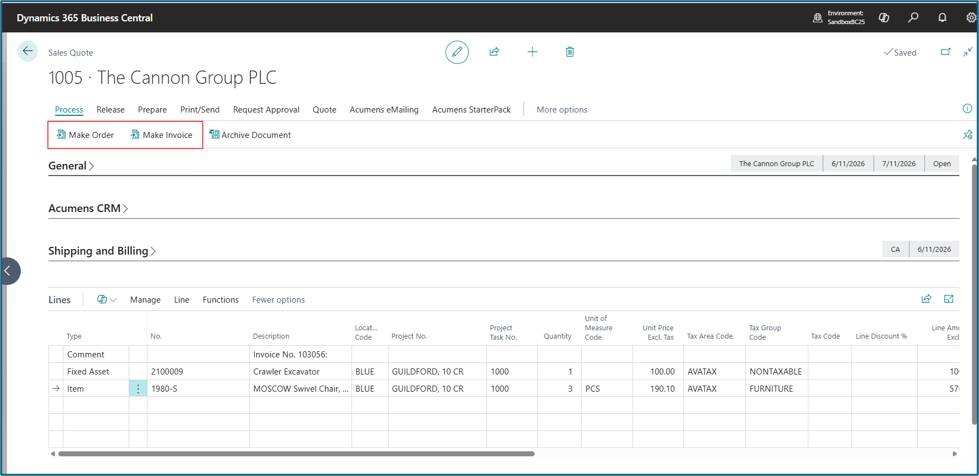
Example for Make Order.
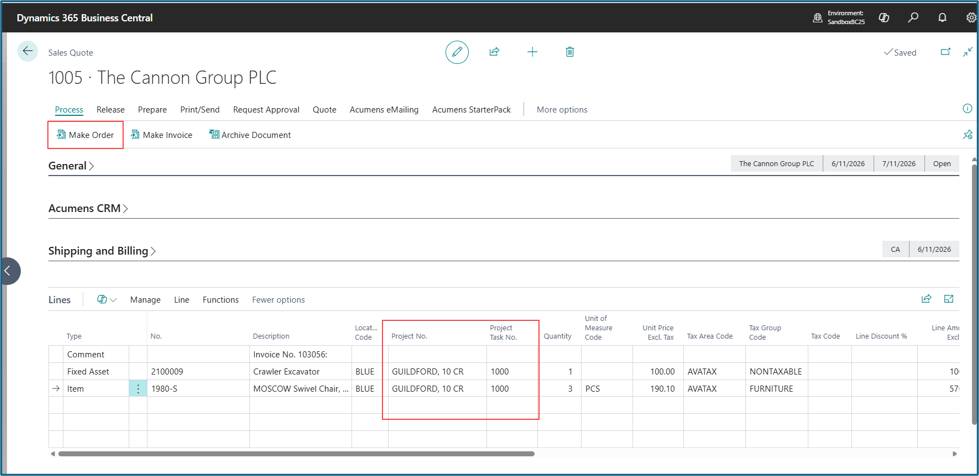
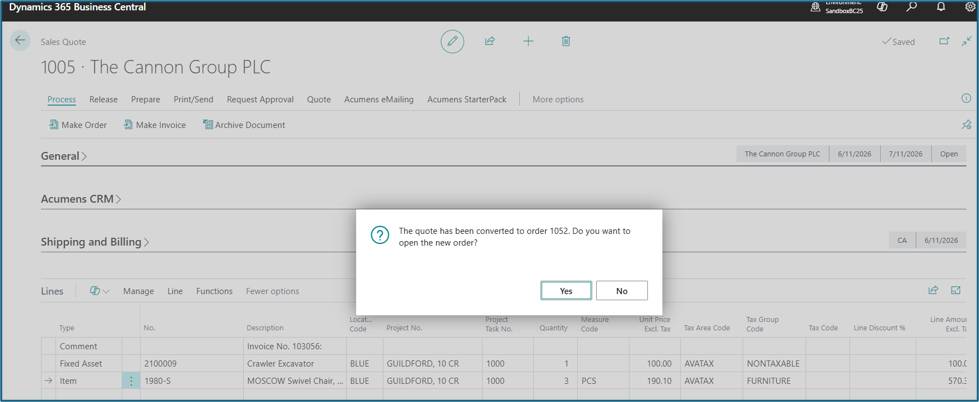
The resulting document will include the same project information.
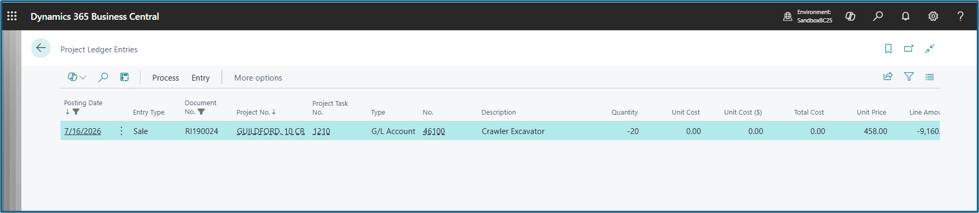
The app introduces additional updates on how project related transactions are posted to Project Ledger.
By default, Business Central does not post to the Project Ledger when project fields are manually entered on sales documents.
With this app, users can manually select Project Details on a sales document, and it will be posted to the project ledger.
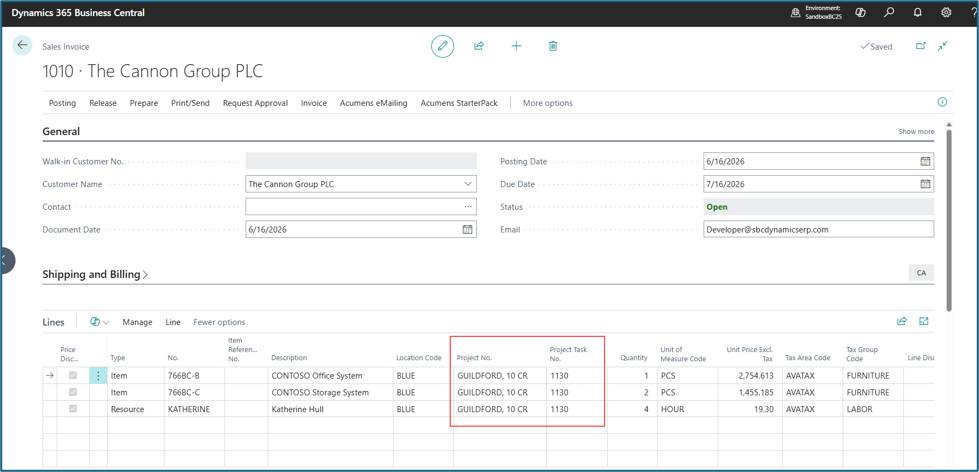
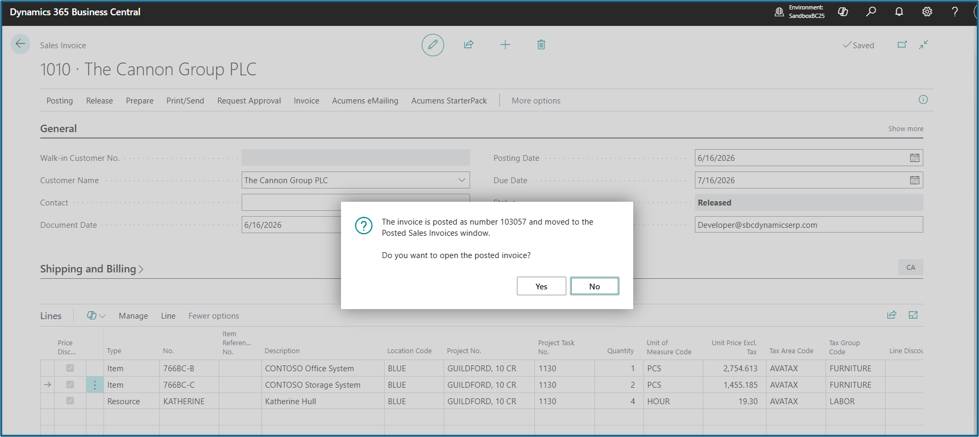
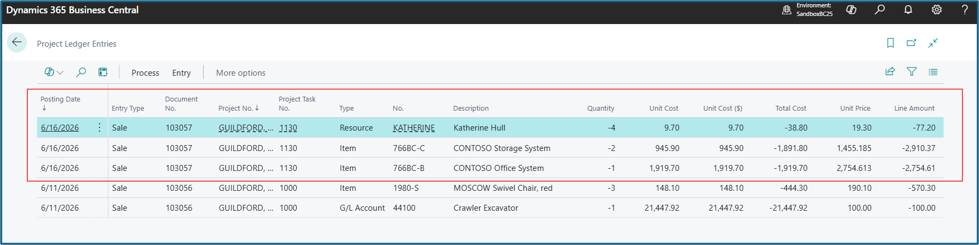
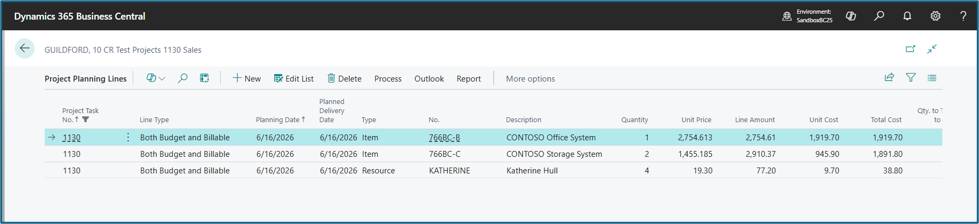
Standard Microsoft Business central only supports posting to the Project Ledger from Sales Invoice and Sales Credit Memo.
This app adds support for Posting from Sales Order and EQM Workshop Orders.
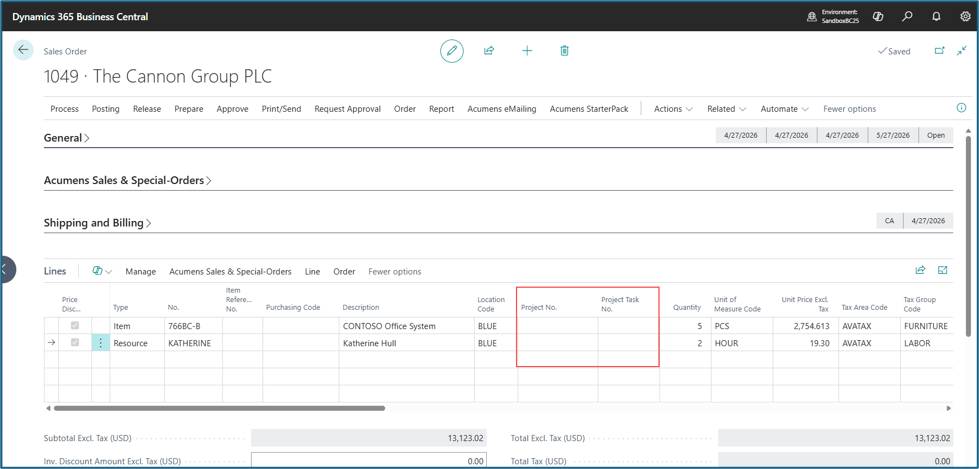
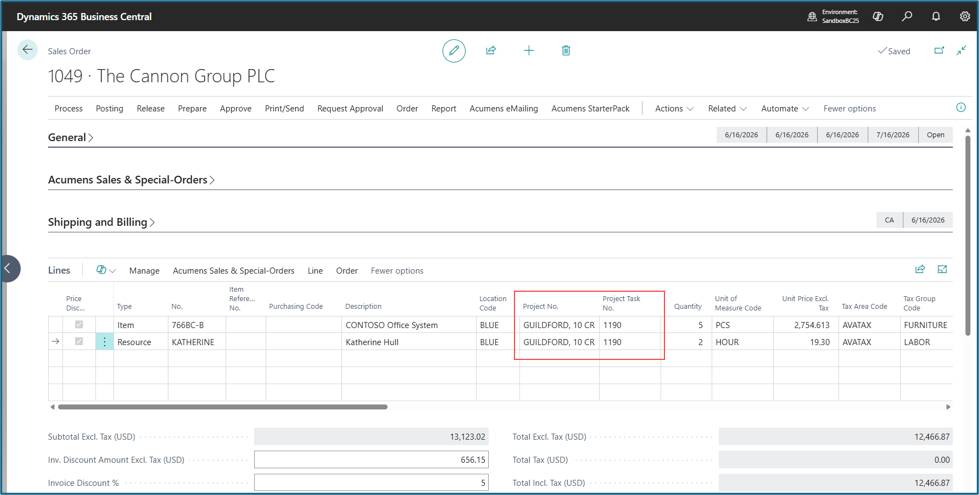
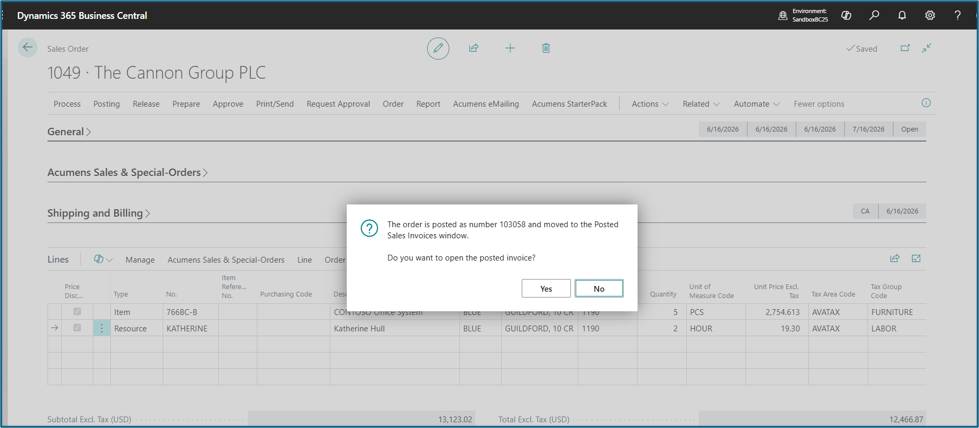
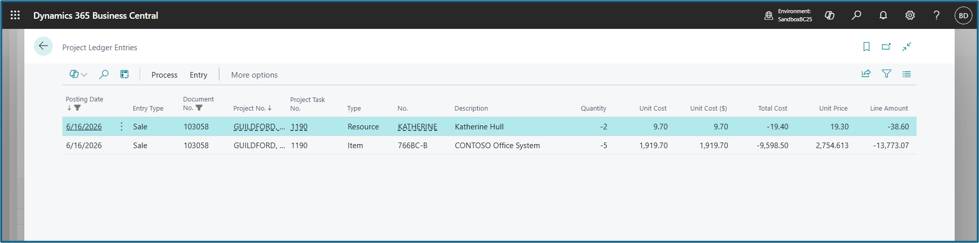
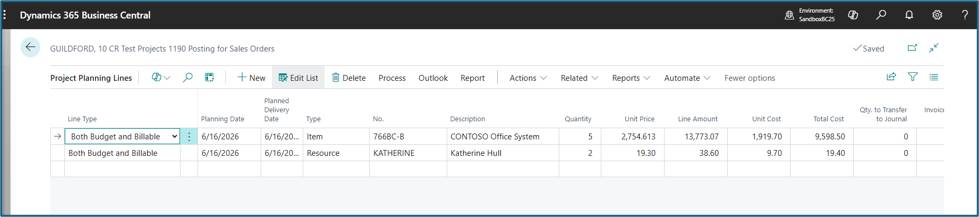
In addition to standard sales orders, this app also adds support to Posting from Workshop Orders.
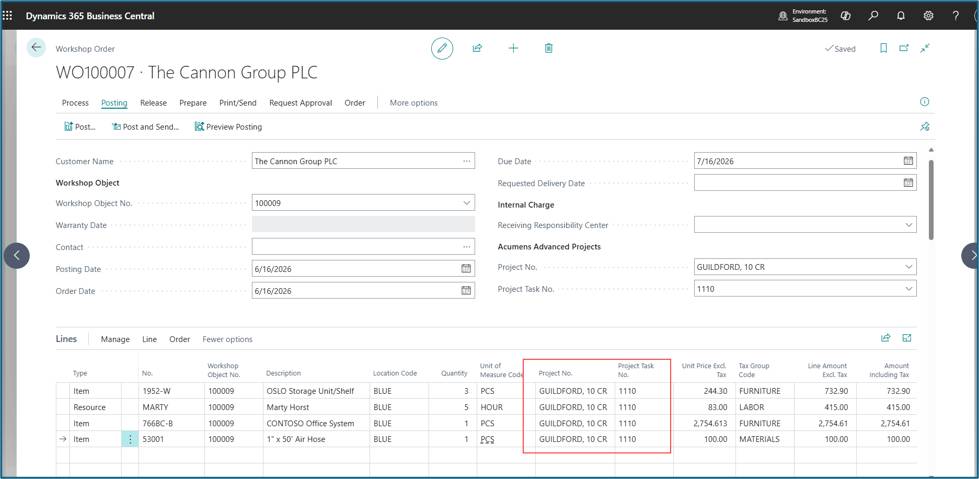
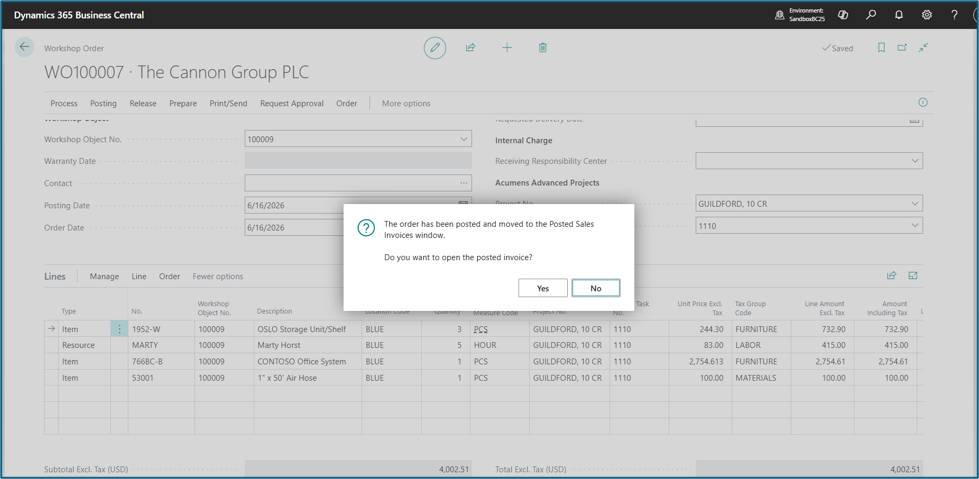
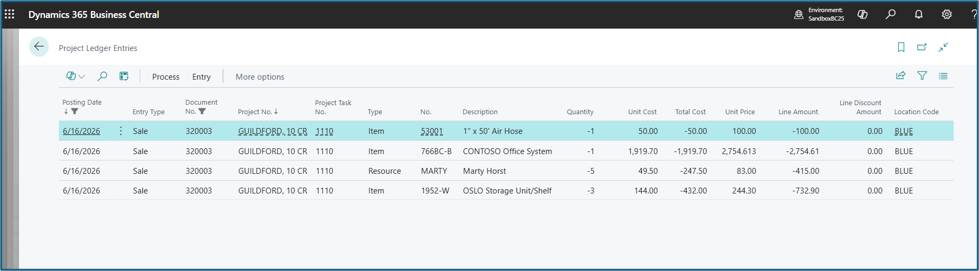
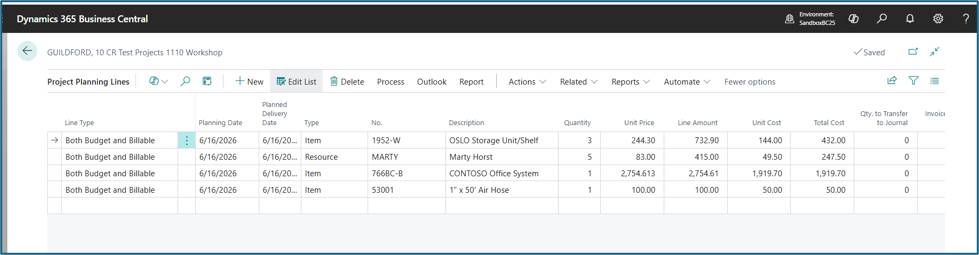
Microsoft Business central only supports posting to the Project Ledger for Resources, Items and G/L accounts.
This app adds support for Fixed Assets i.e. if a sales line has Type = Fixed Asset this also posts to the Project Ledger.
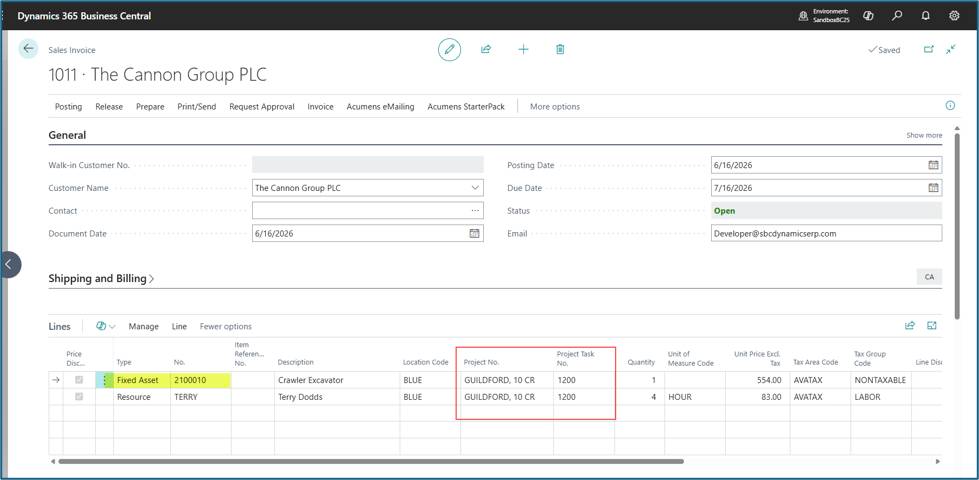
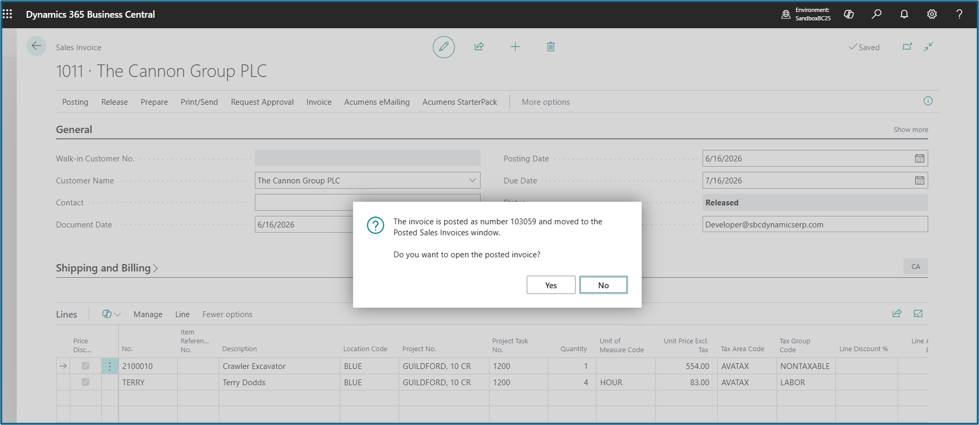
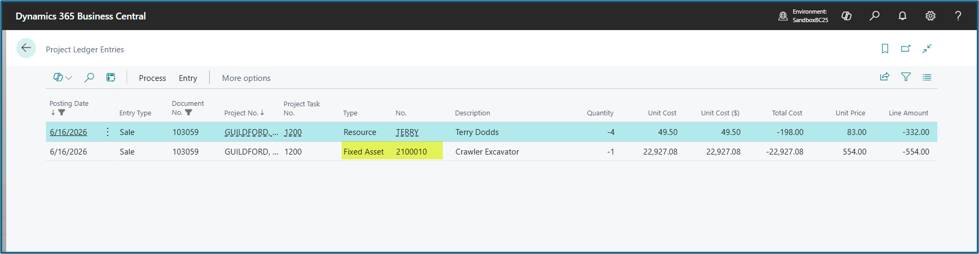
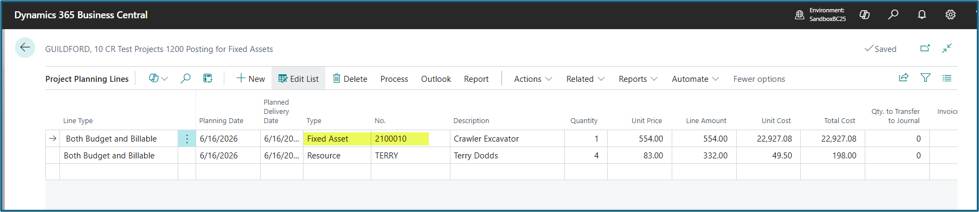
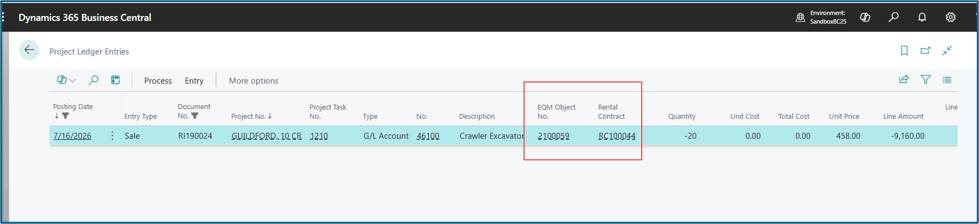
This is a standard EQM feature. Rental Objects will be posted to the Project Ledger as G/L account.

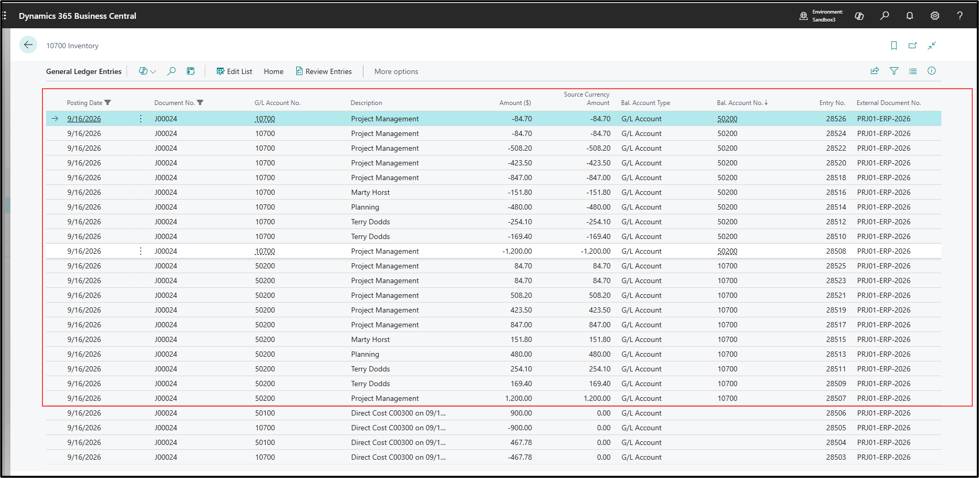
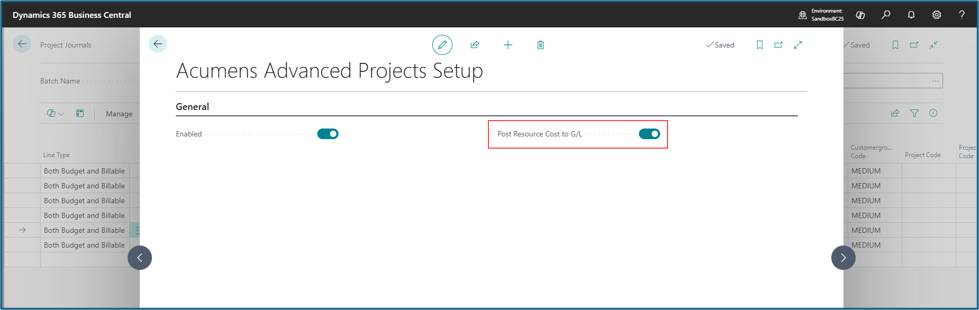
This feature allows posting resource costs and cost of items of type service to the g/l if WIP method is not selected on a Project. In standard Business Central, Project Journal does not post resource costs to g/l except via WIP.
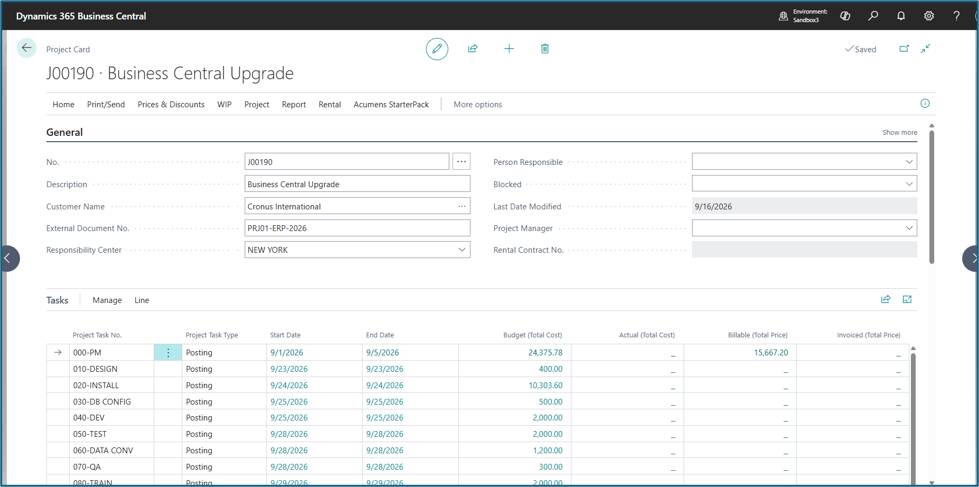
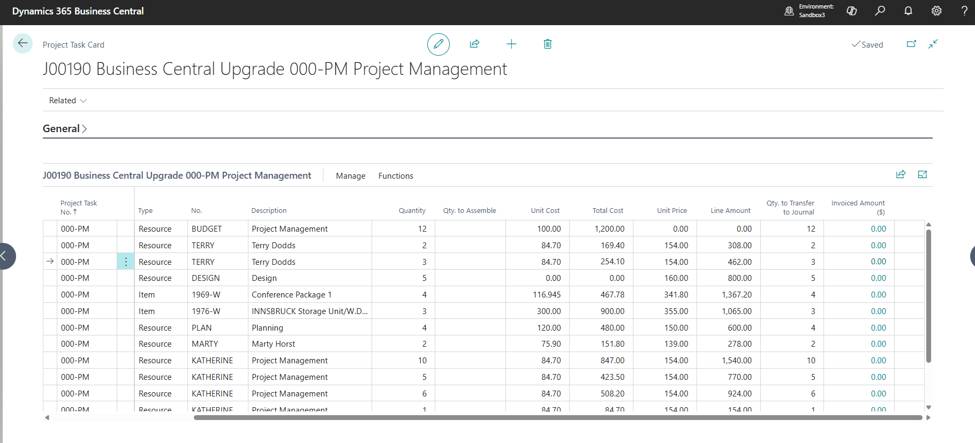
To Post Resource cost to the G/L:
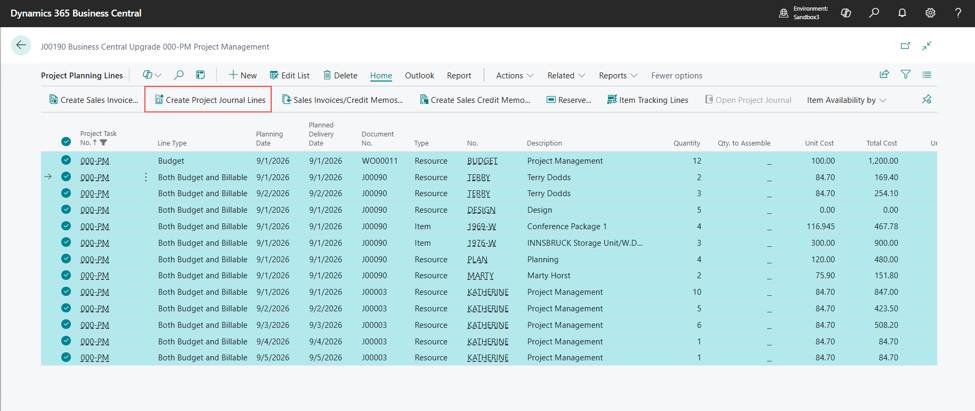
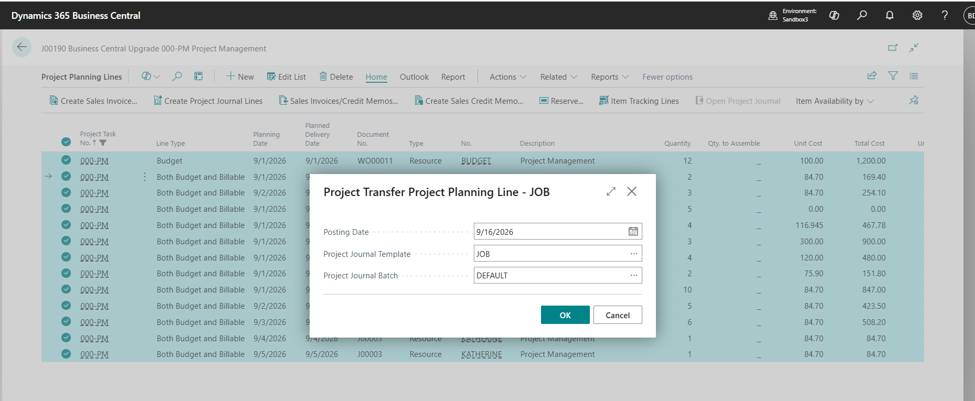
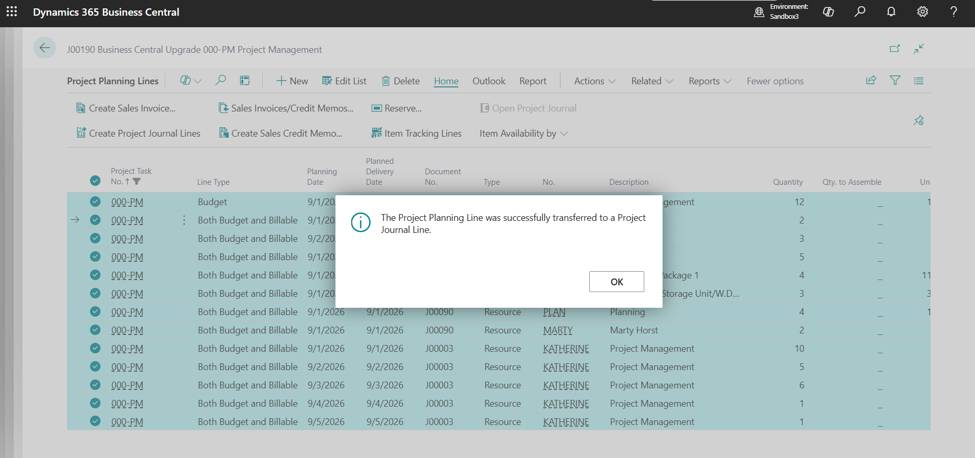
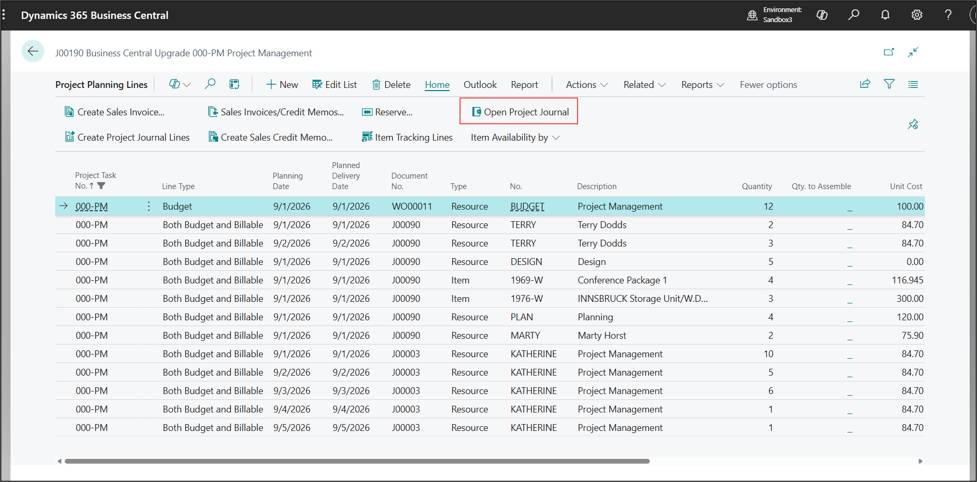
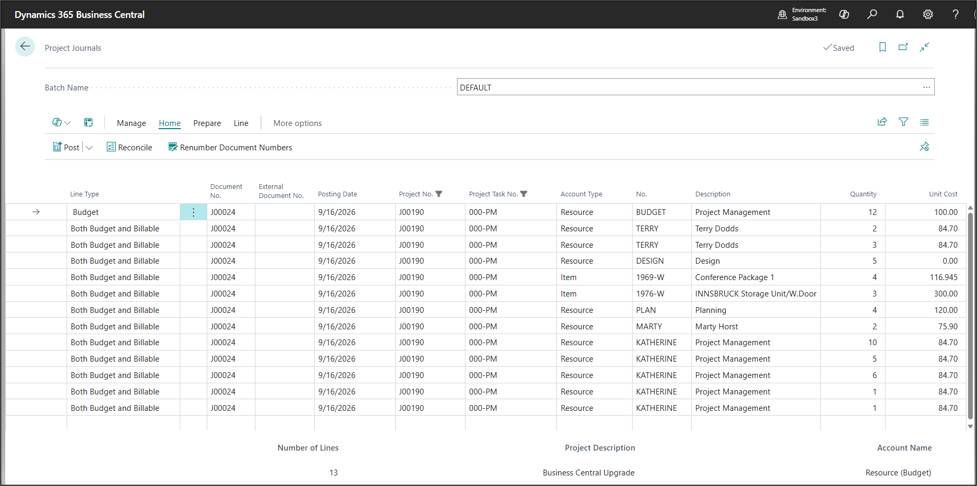
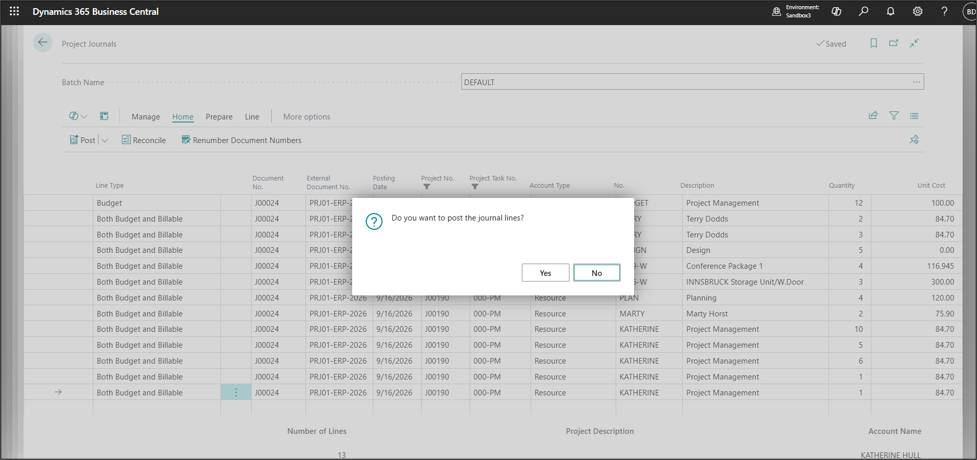
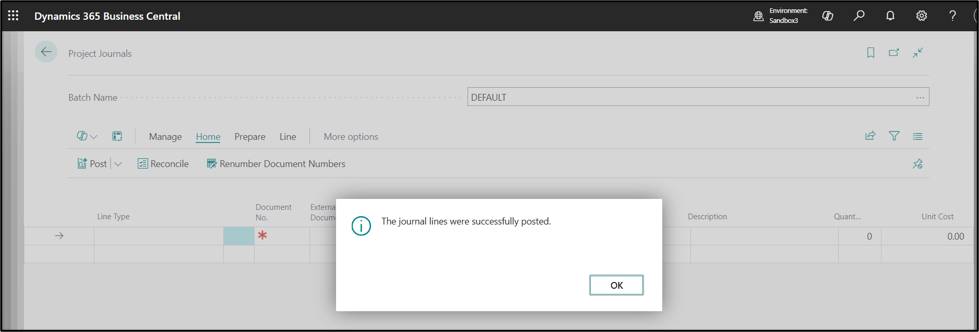
Post Project Journal lines